The short answer: check where your data goes, how you are billed, and whether the tool does one job clearly. Developer tools in this directory range from browser utilities that run locally to metered APIs, so those three questions sort most options quickly.
For self-hosting, RunOnVPS helps you size a server. For one key across many AI models, look at UnoRouter. For large JSONL files, jsonl.co opens them in the browser, and its site says nothing is uploaded. To save selected parts of AI chats, Excerpt exports them locally. To learn Claude Code, the Claude AI Developer Guide is an unofficial tutorial site.
The rest of this guide covers what to look for, the pricing models these sites describe, questions to ask before you commit, and common mistakes.
Top 10 Developer Tools right now
Live ranking · by reader clicks on approved.tools
- #1 Top pickExcerpt
Multi-select ChatGPT, Claude & webpage text
Visit site ↗ - #2 Runner upClaude AI Developer Guide
Claude Opus 5.5, Claude Code, and API Docs — Claude AI Dev
Visit site ↗ - #3 Third placebf16.ai
Uncensored LLM API with 1M context, priced below official API rates
Visit site ↗



- 4RunOnVPSCompare minimum and recommended RAM, CPU and disk requirements for 102 self-hos…
- 5UnoRouterOne API key for every AI model, free models included
- 6XquikExtract tweets, replies, profiles, followers and trends with Xquik's X scraper…
- 7jsonl.coFree Online JSONL Viewer & Editor
- 8RoboDebutA directory of websites and startups
- 9GurutransAI Translation and Text Tools
- 10evenfallPrivate AI chat, no ads or tracking







Ranked by how often readers click through to each tool; ties go to the newer listing. Placement cannot be bought.
Quick picks
- Best for sizing a VPSRunOnVPSView
Compare minimum and recommended RAM, CPU and disk requirements for 102 self-hosted apps
- View
- View
- View
- Best for learning Claude CodeClaude AI Developer GuideView
Claude Opus 5.5, Claude Code, and API Docs — Claude AI Dev
What to look for
Start with the job. The listed tools fall into a few groups:
- Local utilities that run in your browser: jsonl.co (JSONL viewing and editing) and Excerpt (clipping and exporting).
- API gateways that route your code or agent to models: UnoRouter and bf16.ai.
- Reference and planning sites: RunOnVPS for server sizing and the Claude AI Developer Guide for tutorials.
Then check the details that matter for your work. Does the tool accept the formats you use? jsonl.co lists.jsonl,.ndjson,.json and.txt. Does an API speak the protocol your tools already use? UnoRouter describes an OpenAI-compatible key, and bf16.ai lists native OpenAI and Anthropic endpoints.
Finally, look at how the site separates fact from estimate. RunOnVPS labels each hardware figure as official or estimated, which is a good habit to look for.
Pricing models you will meet
Only trust pricing the site actually states. Here is what these sites say:
- Free to use: jsonl.co says it is free with no sign-up. Excerpt describes itself as a free Chrome extension.
- Free credit to start: bf16.ai offers $0.20 in free credit, and its site says no card is needed.
- Free models plus pay per use: UnoRouter lists 157 free and 130 paid models. It says paid models are pay per use and that pay-as-you-go credit never expires.
- Metered by usage: Xquik quotes figures such as $0.0036 per hour for real-time activity and from $0.0012 per action, and mentions saving up to 20% with a subscription.
- Per-token rates quoted by a guide: the Claude AI Developer Guide lists $4 / $20 per MTok for one model. It is an unofficial site and tells readers to use the official documentation for billing.
Plan names, limits and full price tables are not published in the material for most of these tools, so confirm them on the vendor's pricing page.
Questions to ask before you commit
- Where does my data live? Excerpt says its library is local and needs no account. jsonl.co says files stay on your device. bf16.ai says it keeps billing logs only, not chats.
- What happens when I stop paying? For credit-based services, ask whether credit expires. UnoRouter says its pay-as-you-go credit does not.
- Who is behind the content? The Claude AI Developer Guide says it is not affiliated with Anthropic. Treat it as a community resource and check official docs for policy and support.
- What are the use limits? bf16.ai says illegal use is off-limits. Xquik says it is not affiliated with X Corp. Read the terms of any service that touches third-party platforms.
- Is the figure official or estimated? Ask this of any sizing or benchmark number.
Mistakes to avoid
Buying for the headline. A tool that is cheap per unit can still be wrong if it does not fit your client or file format. Check compatibility first.
Treating estimates as specs. RunOnVPS says only 14 of its 102 apps have all minimum fields classed as official. For the other 88, at least one minimum value is an estimate, so leave headroom.
Skipping the model type. bf16.ai describes its models as uncensored. Decide whether that behavior is appropriate for your product and your users before routing real work through it.
Assuming a guide is official. Community documentation can help you get started, but account, billing and policy answers belong with the provider.
Ignoring data handling. If you work with private datasets or chats, favor tools that say processing is local, and verify that claim in their terms.
Picks by need
RunOnVPS
Best for people sizing a VPS for self-hosted apps
RunOnVPS covers minimum and recommended RAM, CPU and disk requirements for 102 self-hosted apps. Its site separates published requirements from clearly labelled estimates, then turns the recommended spec into a VPS tier.
It also offers a way to size a multi-app VPS. Its quick-reference table lists minimum RAM from 512 MB to 8 GB for popular apps, each marked official or estimated.
The suggested tiers carry no prices, so you still need to compare providers yourself. Most minimums are estimates, so build in margin.
UnoRouter
Best for developers wanting one key for many models
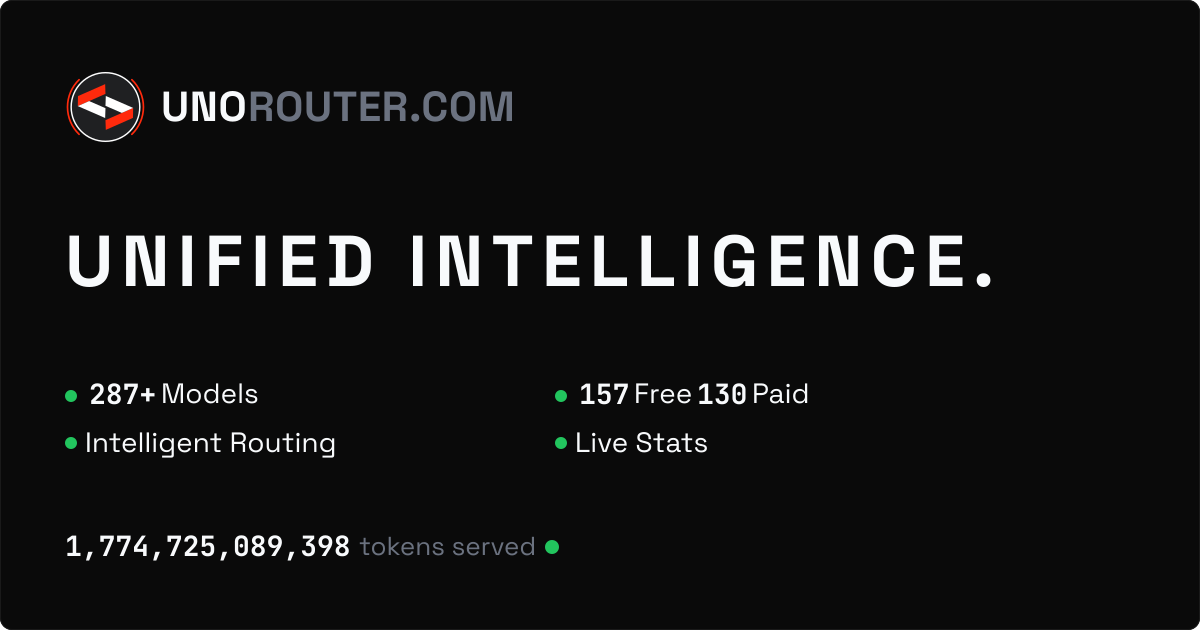
UnoRouter offers one OpenAI-compatible key to reach 287+ models from 55+ providers. Its site lists 157 free models and 130 paid, pay-per-use ones, and says you can start without a credit card.
It names coding agents, chat clients and CLI tools as supported client types, which makes it easy to check whether your setup fits. Its site also promotes a free proxy for character and fiction chat clients.
Plan details are not spelled out in the available text beyond a free tier, top-ups and subscriptions, so check the site before budgeting.
jsonl.co
Best for anyone opening large JSONL files privately
jsonl.co is a free JSONL viewer and editor that runs in the browser. Its site says it handles files up to 1GB, with streaming, syntax highlighting and real-time validation.
It says there are no uploads and no sign-up, and that data stays on your device. It also lists converters between JSONL and JSON or CSV, a formatter and a VS Code extension.
It is a single-purpose utility, so it suits quick inspection and cleanup rather than a full data pipeline.
Excerpt
Best for people who save parts of AI chats
Excerpt is a free Chrome extension, also listed for Microsoft Edge, that lets you select specific blocks from ChatGPT, Claude and Gemini conversations or from webpages. It exports clean PDF or Markdown.
Clips go into a searchable library stored in your browser, and its site says there is no account and no cloud. The site also says "no cloud yet," so check for changes if local-only storage matters to you.
It fits developers who keep long threads full of useful code and want only the good parts.
Claude AI Developer Guide
Best for developers learning Claude Code and API workflows
This is an unofficial community guide to Claude, Claude Code and the Claude API. Its site lists a quick start, core mechanics such as context management and agent systems, best practices, and migration notes for a newer model.
Its site says it is not affiliated with Anthropic and points readers to official documentation for account, billing, policy and API support. Pricing it quotes for a model should be confirmed there.
It suits readers who want a structured walkthrough rather than reference pages.
bf16.ai
Best for teams wanting a low-cost uncensored model API
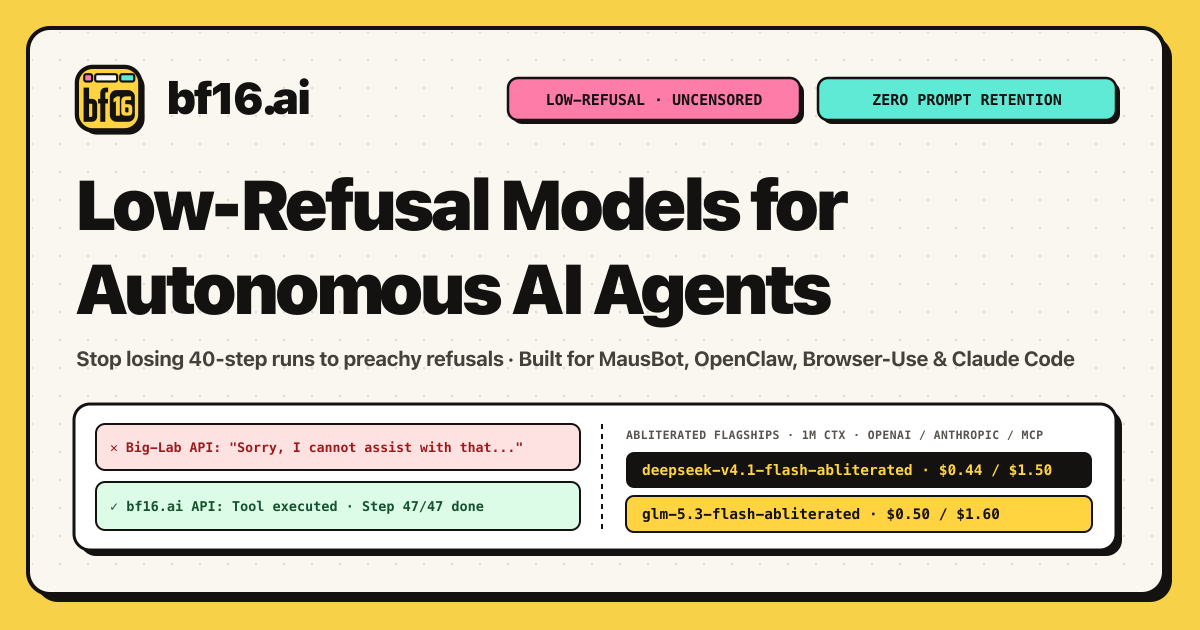
bf16.ai is an LLM API whose site says it serves uncensored DeepSeek, GLM and Kimi models with 1M context. It lists native OpenAI and Anthropic endpoints and says it is priced below official API rates.
Its site shows how to point a coding agent at it for a single terminal session. It offers $0.20 in free credit, says no card is needed and says only billing logs are kept.
The models are described as modified so they answer directly, and the site says illegal use is off-limits. Decide whether that behavior fits your product.
How to choose
- Write down the single job you need done and the format or protocol involved.
- Decide whether data must stay on your device, and confirm the site says it does.
- Find the pricing as stated on the site. If it is not published, ask.
- Check whether figures are official or estimated.
- Confirm who runs the tool and whether a guide is official or community-made.
- Try the free tier or free credit with a small real task before committing.
Browse every listing in Developer Tools, or see the ranked best Developer Tools list.
How we put this together
Every tool here is listed on approved.tools and was checked by hand before it went live. What we say about each one comes from its own website; we have not run our own tests, so where a site makes a claim, we say it is the site's claim. Rankings follow how often readers click through to each tool, and placement cannot be bought.
Frequently asked questions
What matters most when choosing a developer tool?
Fit for the specific job, how your data is handled, and how you are billed. A tool that does one thing clearly usually beats a broad one that only partly matches your stack.
Are browser-based tools safe for private files?
Some sites say processing is local. jsonl.co says files never leave your device, and Excerpt says its library stays in your browser. Verify that claim in the tool's terms for sensitive work.
How do I compare AI API gateways?
Check the protocols supported, the number of models, whether free models exist, and how credit works. UnoRouter and bf16.ai describe these differently, so compare them on those points.
Can I trust server size recommendations?
Treat them as a starting point. RunOnVPS labels figures as official or estimated and says most of its apps include at least one estimated minimum, so leave headroom.
Is an unofficial guide good enough to learn from?
It can be useful for tutorials and workflows. The Claude AI Developer Guide says it is not affiliated with Anthropic, so use official documentation for billing and policy.
Should I pick a free tool or a paid one?
Start free when the job is simple, as with jsonl.co or Excerpt. Choose paid, metered services when you need API access, and check how usage is charged.