If you want to design something, Sleek fits founders sketching mobile app screens, Create fits small businesses that need a website without code, and Tesla Wrap Design fits Tesla owners who want a custom Paint Shop wrap. Multiple Images To 3d Model suits anyone turning photos of one object into a GLB file. Hey Design AI suits people who brief AI coding assistants on website design. Creators Toolbox is the pick for browsing creative resources.
The list also includes some entries that are not design software in the usual sense. RosterBee is a volunteer rostering tool, ShellOut.lol and USA Bid Map are bidding games, Dannystudio is a wedding photography studio, and Ai Photo Booth is an event service. We say plainly where each one fits.
The list was put together from what each tool says on its own site. The order reflects how often readers click through to each tool on approved.tools, and placement cannot be bought. It is not a test result, and we have not scored the tools against each other.
Top 11 Design & Creative tools right now
Live ranking · by reader clicks on approved.tools
- #1 Top pickRosterBee
Free volunteer rosters with no ads
Visit site ↗ - #2 Runner upMultiple Images To 3d Model
Use the Multiple Images to 3D Model generator with 2–8 views of the same object
Visit site ↗ - #3 Third placeTesla Wrap Design
Free Editor & 3D Preview
Visit site ↗

- 4Creators ToolboxThe discovery engine for creative tools, news, and resources
- 5CreateCreate a Website in Minutes
- 6SleekAI mobile app designer
- 7ShellOut.lolThe pay-to-rank startup arcade
- 8USA Bid MapClaim your piece of the UK!
- 9DannystudioDanny Photography
- 10Hey Design AIMake Codex and Claude Code work like a top UI designer
- 11Ai Photo BoothEvent photography, photo printing on-site, GIF photo booths





Ranked by how often readers click through to each tool; ties go to the newer listing. Placement cannot be bought.
Quick picks
- View
- Best for photo-to-3D modelsMultiple Images To 3d ModelView
Use the Multiple Images to 3D Model generator with 2–8 views of the same object
- View
- View
- View
- View
This list mixes design software, services and games
Design & Creative is a wide category on approved.tools, and the ranking by clicks shows it. Several entries generate or design something from a prompt or a photo:
- Multiple Images To 3d Model turns 2–8 photos into a GLB file.
- Tesla Wrap Design produces a PNG wrap for a Tesla.
- Create builds a website.
- Sleek designs mobile app screens.
- Hey Design AI supplies website design prompts.
Others are different in kind. Creators Toolbox is a directory of tools, resources, games and courses. RosterBee schedules volunteers. ShellOut.lol and USA Bid Map are bid-to-rank games. Dannystudio and Ai Photo Booth are photography businesses, not software you install or sign up for. Decide first whether you need to make an asset, find one, or hire someone.
Pricing models differ, and most sites publish little
Several sites say they are free or free to start:
- RosterBee says it is free forever, with some features tagged Paid.
- Tesla Wrap Design says its editor and PNG export are free. AI generation is charged in credits: 10 per prompt run and 20 per photo run.
- Sleek says it is free to start with no credit card.
- Create says you can publish free with no credit card. Expert help is priced per job.
- ShellOut.lol starts at $5 per funding payment.
Plan prices are not published on the pages for Multiple Images To 3d Model (it points to a plans page for PBR materials), Hey Design AI, Creators Toolbox beyond calling itself free, Ai Photo Booth (an event hire service) and USA Bid Map. Expect to ask or check before you commit.
What to check before paying
Start with what you get out. A GLB file, a PNG for a car, a published website and a set of app screens each fit different workflows. Confirm the format is the one you need.
Check where your files go. The site for Multiple Images To 3d Model says your images are sent to a third-party generation service when you start. Read that before uploading anything private.
Finally, look at what stays free. Where a site says "free" but also mentions paid features or credits, find out which features you need are on the paid side before you build around the tool.
The tools, one by one
1.RosterBee
Best for volunteer coordinators who need free shift sign-ups
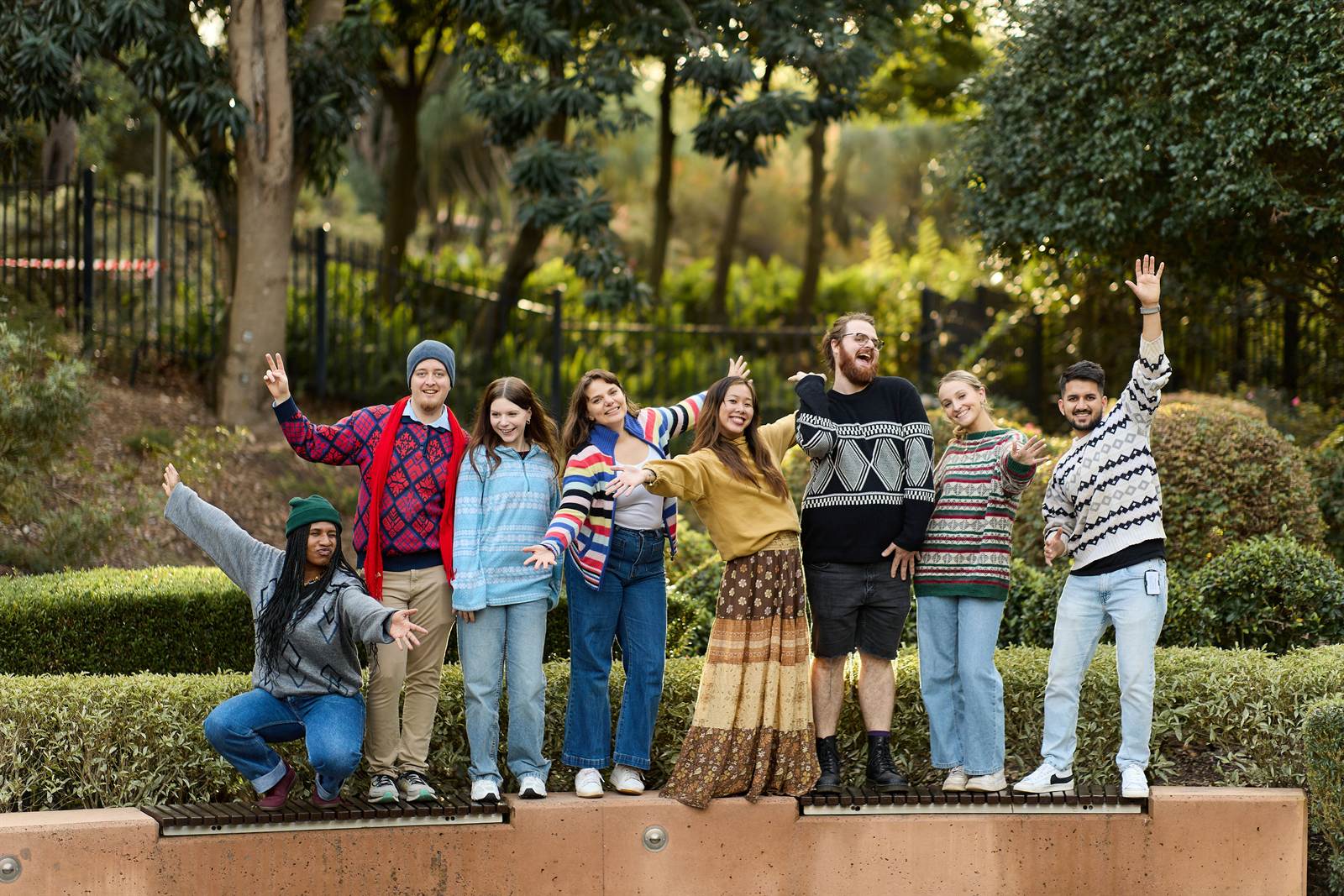
RosterBee's site describes free volunteer rosters with no ads. You post shifts and share one sign-up link, and volunteers pick their own shifts on any device without an account. Repeating weekly rosters, check-in from a phone, tablet or QR poster, and automatic reminders and thank-you emails are listed.
It also lists a runsheet builder for multi-day events, sign-in sheets, hours summaries for grant applications, and no-show reports. Some features, such as private notes on each volunteer, are tagged Paid. The site does not give plan prices in the text we have.
This is a scheduling tool rather than a design tool. It suits charities, clubs and event teams, not designers.
2.Multiple Images To 3d Model
Best for makers turning object photos into GLB models
This generator takes 2–8 photos of the same object, a front view plus up to seven other angles, and produces a GLB. Its site lets you choose model type, face count, output format and license, and compare the result with your reference photos.
The page includes guidance on choosing views: keep the object in the same state, with consistent lens, lighting and distance, and leave margin around it. PBR material maps, which control how surfaces reflect light, are offered through plans. The pricing is not shown in the text we have.
The site says your images are sent to a third-party service when generation starts. Keep that in mind for unreleased products.
3.Tesla Wrap Design
Best for Tesla owners designing custom Paint Shop wraps
Tesla Wrap Design is a browser editor with official Paint Shop templates for 12 models, a live 3D preview and free PNG export that you load from a USB drive. Its site also offers AI generation: describe a wrap in words (10 credits per run) or upload a photo to borrow its colors and texture (20 credits per run).
The site shows many example styles, such as Synthwave, Woodland Camo and Lava Flow, and is available in several languages. How credits are bought is not described in the text we have.
It is narrow in scope, which is a strength if you own one of the supported cars and a drawback otherwise.
4.Creators Toolbox
Best for designers browsing free tools, fonts and courses
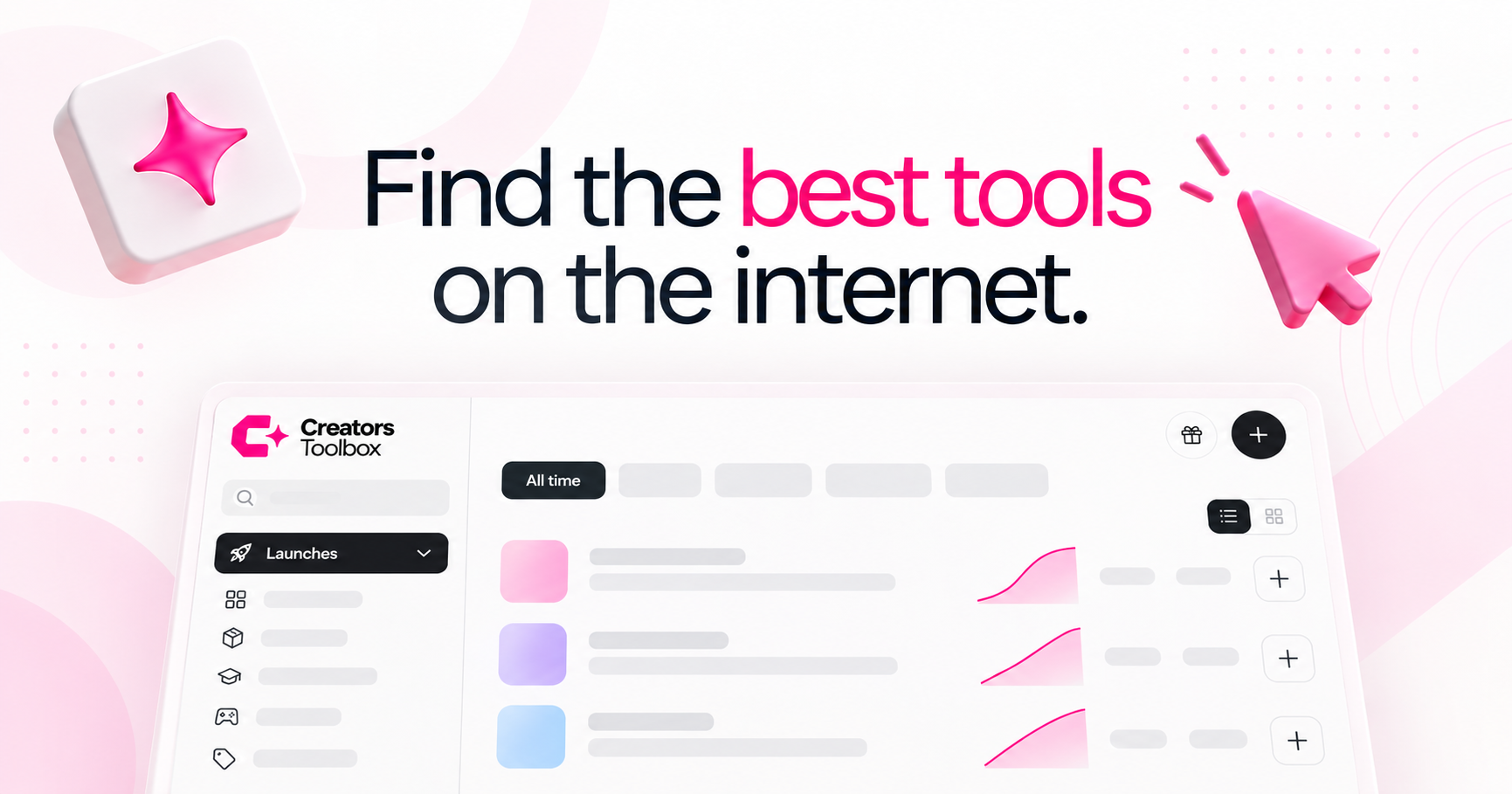
Creators Toolbox calls itself a free discovery engine for 800+ tools, creative resources, interactive games and curated courses. The site says it serves graphic designers, web designers, video editors, social-media managers and students.
It lists design software and utilities with recent news and alternatives where available. It also has collections of fonts, icons, stock photography and textures, plus quizzes such as matching hex colors by eye. The site says nothing needs to be downloaded to explore the catalog.
It is a place to find tools rather than make a design, so it works best alongside other software.
5.Create
Best for small businesses wanting an AI-built website quickly
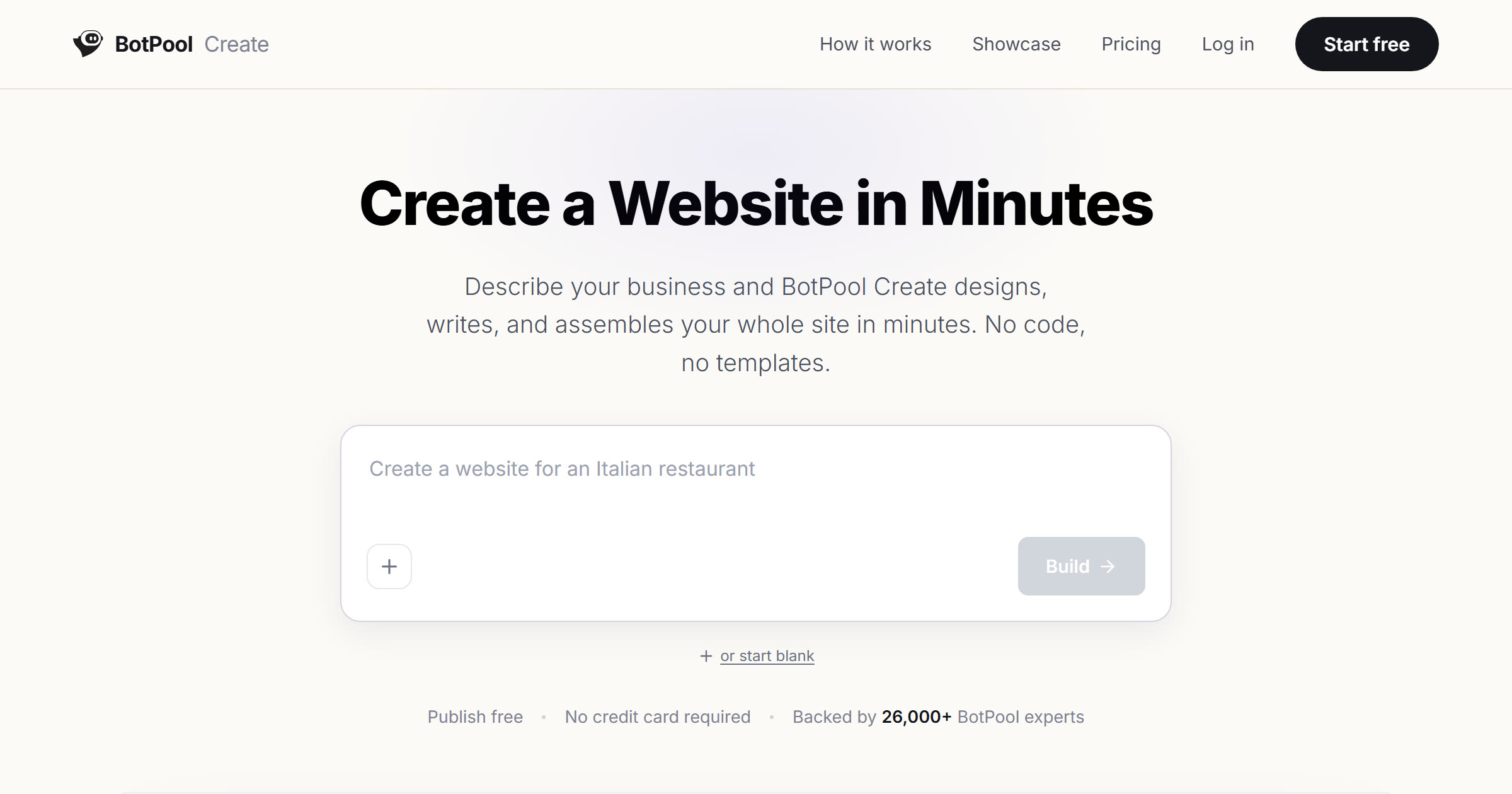
Create's site says you describe your business, the AI designs the page structure, writes the copy and assembles the site, and you refine it by chatting before you publish. It says no code and no templates are involved, and that publishing is free with no credit card required.
The site highlights a marketplace of freelance experts, with the figure given as 26,000+ members. You can hand your site to one from inside the builder, with design, copy, SEO or custom work priced per job. Working contact forms and built-in SEO are listed among the included features.
Expert pricing is set per job and is not listed in the text we have.
6.Sleek
Best for founders designing iOS and Android app screens
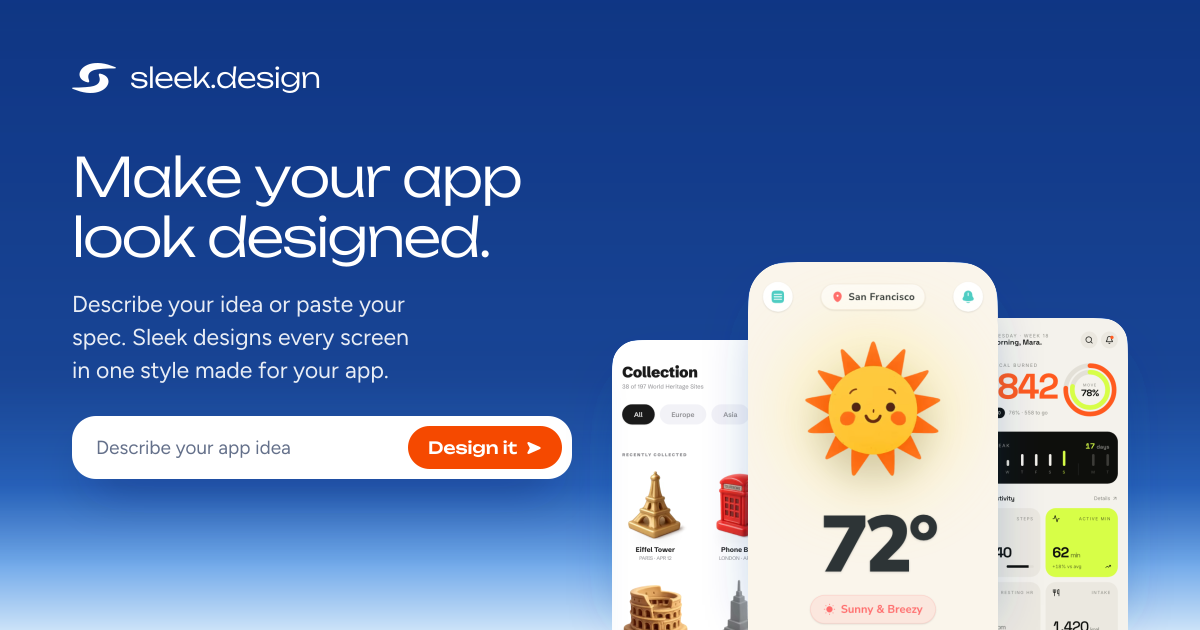
Sleek is an AI mobile app designer. You describe your idea or paste a spec, and it designs every iOS and Android screen in one consistent style. Its site says even a one-line prompt produces a distinct look.
Screens can be edited and then exported as code or to a design file, and the site says they are ready for a coding agent to build. It says it is free to start with no credit card. Paid plan details are not in the text we have.
It suits people who need a convincing app design before development, especially if they already work with a coding agent.
7.ShellOut.lol
Best for startups that want playful visibility and a logo placement
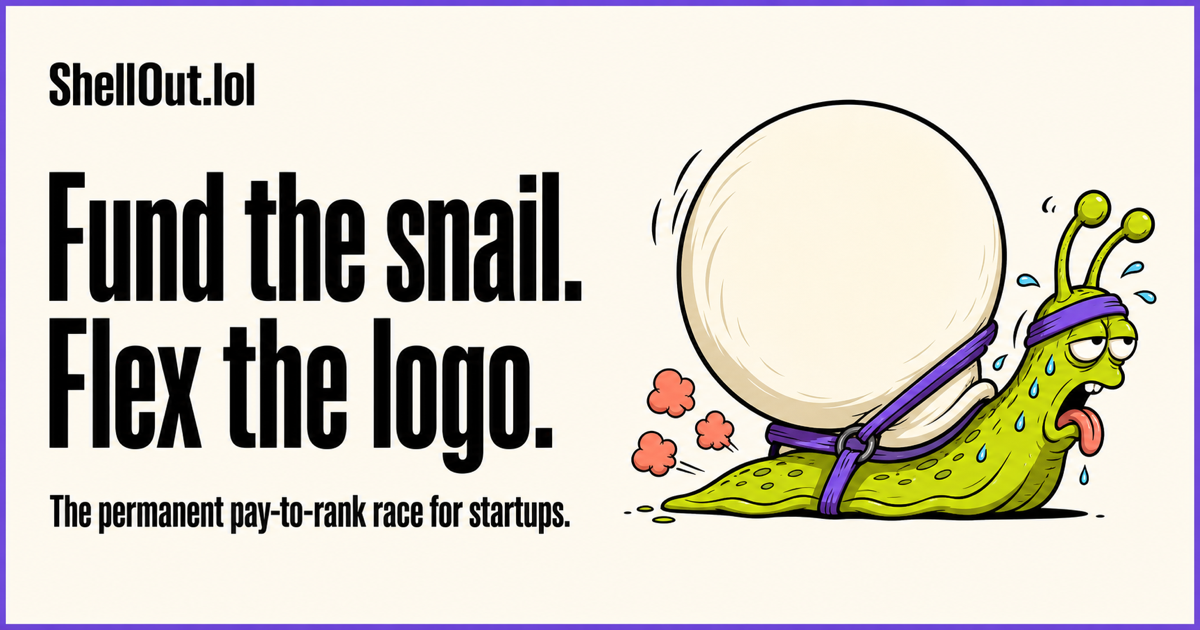
ShellOut.lol describes itself as a pay-to-rank startup arcade. You fund a snail from $5, climb a permanent race, and can claim 3D billboard spots on its circuit where visitors can click through to your site. The site says another bidder needs 1.5× to steal a spot.
The page shows one startup live at the time of writing, so audience size is not evident. It is a visibility stunt rather than a design tool, and results depend on traffic the site does not quantify.
Treat it as a small, fun marketing experiment, not a design purchase.
8.USA Bid Map
Best for people curious about a real-time map bidding game
USA Bid Map is described as a real-time digital map game where you compete for cities and counties by outbidding others, display your brand logo and defend your territory. Its tagline says "Claim your piece of the UK", which does not match the name, so check which region it covers.
The listing offers little else. Pricing, bidding rules and audience are not published in the text we have. It fits Design & Creative only loosely, through the logo display.
Look closely at how bids work before spending anything.
9.Dannystudio
Best for couples seeking a wedding photographer
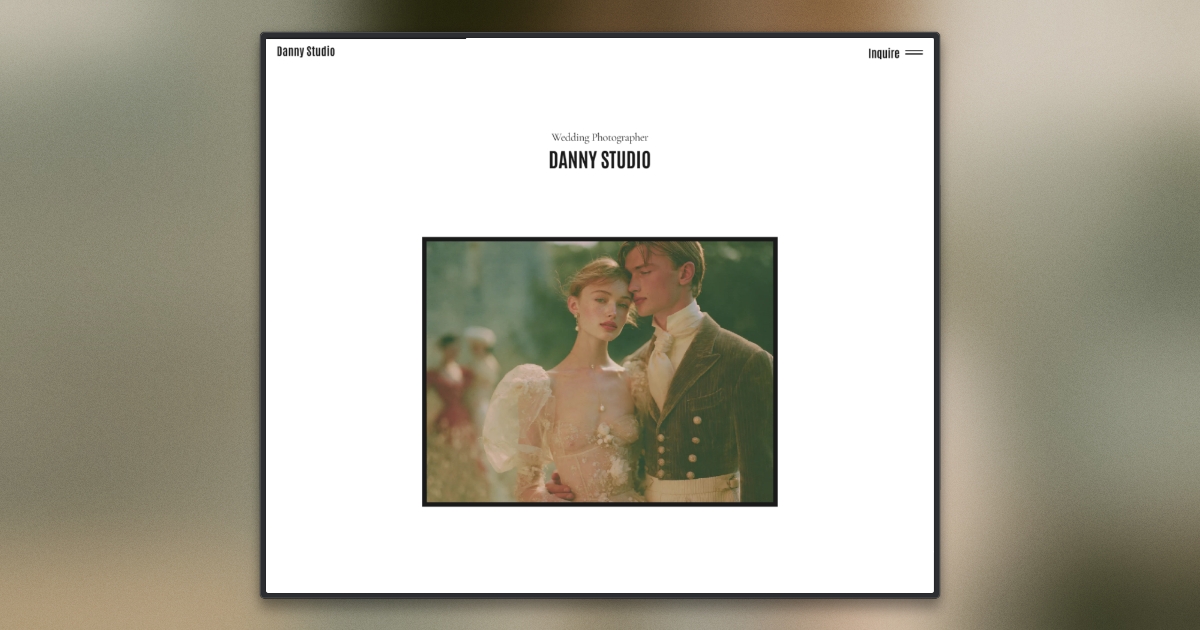
Dannystudio is a wedding photography studio site. It describes romantic, high-quality, creative wedding portraits and event coverage. The page shows a portfolio of couples' names, with Work, About and Contact sections and an Inquire link.
It is a service to hire, not software. The page also has a Get Template link, so it may interest someone who likes the layout, but the site gives no details about that. Pricing and packages are not published.
It makes sense only if you want a photographer.
10.Hey Design AI
Best for builders briefing AI coding tools on website design
Hey Design AI is a curated library of website, landing-page and hero prompts. Its site says it helps AI coding assistants work like a UI designer, with 350 prompts and thousands of styles, and that each prompt turns a visual direction into a copy-ready build brief.
Prompts are sorted by type, including Portfolio, Travel, SaaS, Pricing, Marquee, Landing Page and Hero. One prompt, Digital Director, is tagged Free. The site's claim that the prompts drive more paid conversions is its own, and we have no evidence on it. Pricing for the rest of the library is not in the text we have.
It suits developers and founders who build with AI and want better design direction than a bare prompt gives.
11.Ai Photo Booth
Best for event organizers in the UK wanting branded AI photos

Ai Photo Booth is an event hire service in London and across the UK. Guests pick a character, have a photo taken, and the AI returns a reimagined, branded image to share online or print on-site. The site lists regularly updated AI styles, custom themes and post-event analytics.
It is aimed at corporate events, exhibitions, conferences and brand activations. Digital delivery is instant, and on-site printing is optional. Pricing and booking terms are not published on the page, so you will need to ask.
It is a service, not software, and is mainly useful if your event is in the UK.
How to choose
If you need something designed: pick Sleek for mobile app screens, Create for a business website, Tesla Wrap Design for a Tesla wrap, or Multiple Images To 3d Model for a 3D model from photos. Check the export format first.
If you build with AI coding tools: Hey Design AI gives design direction in prompt form, and Sleek hands off screens to a coding agent.
If you want inspiration or resources: Creators Toolbox collects tools, fonts, icons, quizzes and courses in one place.
If you run events or volunteers: RosterBee handles shifts and sign-ups, and Ai Photo Booth supplies branded AI photos at UK events.
If you want attention or a photographer: ShellOut.lol and USA Bid Map are bidding games with unclear audiences, and Dannystudio is for wedding photography.
Browse every listing in Design & Creative, or see the ranked best Design & Creative list.
How we put this together
Every tool here is listed on approved.tools and was checked by hand before it went live. What we say about each one comes from its own website; we have not run our own tests, so where a site makes a claim, we say it is the site's claim. Rankings follow how often readers click through to each tool, and placement cannot be bought.
Frequently asked questions
Which Design & Creative tools on this list are free?
RosterBee says it is free forever, though some features are marked Paid. Tesla Wrap Design says its editor and PNG export are free. Sleek and Create say you can start or publish free, and Creators Toolbox calls itself free.
Which tool turns photos into a 3D model?
Multiple Images To 3d Model takes 2–8 photos of the same object and produces a GLB file. Its site recommends a front view plus other angles with consistent lighting.
Can I design a mobile app with AI here?
Sleek designs iOS and Android screens in one style from a prompt or spec. Its site says the screens can be exported as code or to a design file.
Do I need to know how to code to build a website?
Create says no code is needed: you describe your business and the AI builds and publishes the site. Hey Design AI is better for people who build with AI coding tools.
Do any of these tools publish full pricing?
Mostly not. Only a few prices appear, such as ShellOut.lol starting at $5 and Tesla Wrap Design's credit costs per AI run. Other sites do not list plan prices in the text we have.
Are all of these software tools?
No. Dannystudio is a wedding photography studio, Ai Photo Booth is an event hire service, and ShellOut.lol and USA Bid Map are bidding games. RosterBee is a volunteer scheduling tool.