Three things matter most when choosing an AI media generation tool: the kind of output you need (still images, short social video or music video), how you pay (credits, a one-off price or a plan), and what happens to the photos and files you upload. Most tools in this category do one of those jobs well rather than all of them.
For image work, aio.ink and Muse Image generate and edit images, and aio.ink lets you compare several models from one prompt. If you want images and video under one credit balance, Pixelrope is the broadest option listed. For ready-to-post video from a single photo, look at AI Trend Video or Bulin47ai. For a video built from a song, BeatMV is the match.
The listed helpers are not generators. AI Picture Checker checks whether an image is AI-made, resizesimage.com resizes images in your browser, and Promptclay is a library of prompts you can copy.
Top 10 AI Media Generation tools right now
Live ranking · by reader clicks on approved.tools
- #1 Top pickresizesimage.com
Resize any image online for free with the Resize Image Online Tool
Visit site ↗ - #2 Runner upToolsBot
Explore a curated directory of AI tools, GPT Store apps and MCP resources
Visit site ↗ - #3 Third placeaio.ink
Generate, edit, expand and upscale images
Visit site ↗



- 4PixelropeAI image and video generator with every top model
- 5Bulin47aiBulin 47 AI Video Generator: Join the Viral Freestyle With One Photo
- 6AI Picture CheckerUpload any image and instantly detect if it was generated by AI
- 7PromptclayPrompts are better shared
- 8Muse ImageCreate and edit images with Muse Image
- 9BeatMVAn AI music video generator that turns any song or MP3 into a beat-synced video
- 10AI Trend VideoViral AI Video Trends or Your Own Clip as a Template






Ranked by how often readers click through to each tool; ties go to the newer listing. Placement cannot be bought.
Quick picks
- View
- View
- Best for trend videos from a photoAI Trend VideoView
Viral AI Video Trends or Your Own Clip as a Template
- Best for turning songs into videoBeatMVView
An AI music video generator that turns any song or MP3 into a beat-synced video
- Best for checking if an image is AIAI Picture CheckerView
Upload any image and instantly detect if it was generated by AI
What to look for
Start with the output you need, because these tools are not interchangeable.
- Still images: aio.ink and Muse Image generate and edit images from text and reference photos. aio.ink also expands and upscales images.
- Images and video: Pixelrope lists both image and video models in one place.
- Video from one photo: AI Trend Video and Bulin47ai turn a single photo into a video with no prompt.
- Music video: BeatMV turns a song or MP3 into a beat-synced video and offers a storyboard and scene editing.
- Support tasks: AI Picture Checker, resizesimage.com and Promptclay cover detection, resizing and prompt ideas.
Next, look at model choice. Pixelrope says it runs 18 models from several companies. aio.ink sends one prompt to 2-4 models so you can compare results. Muse Image describes its own image model instead of a menu of models.
Finally, check editing and output size. Both aio.ink and Muse Image accept reference images for edits, and Muse Image mentions multi-reference composition. aio.ink lists 1K to 4K output for its GPT Image 2.6 models, and Muse Image mentions 1K or 2K.
Pricing models you will meet
Pricing on these sites falls into a few patterns, and several details are not published on the pages we have.
- Shared credit balance: Pixelrope says 1 credit equals $0.01 of the model's list price, images start at 1 credit and videos at 9 credits, failed jobs are refunded, and new accounts get 15 free credits with no card. aio.ink mentions transparent credits, but amounts are not stated on its page.
- Small sign-up credit: Muse Image offers 2 free sign-up credits. Its paid pricing is not stated.
- Per-video price: Bulin47ai shows that your first video is $4.99. Other pricing is not stated.
- Credits plus plans: AI Trend Video says every template uses the same credits and shows the credit cost before you create. It says custom templates are included with monthly plans from $39.99 and the Mega pack.
- Free to start: BeatMV says it is free to start and links to a pricing page, but no figures appear in its text.
- Free utilities: resizesimage.com says it is free with no sign-up and no watermark. Promptclay says copying prompts is free with no sign-up. AI Picture Checker says no account is required and shows a daily check counter.
Questions to ask before you commit
Work through these before you pay for anything:
- What does one finished result cost in credits, and what does a retry cost? Pixelrope says failed jobs are refunded. Check what other tools say.
- Is the free tier enough to judge quality on your own material?
- Do I need to sign in or create an account before generating? Bulin47ai says you sign in when you generate.
- Where do my uploads go? resizesimage.com says images are resized in your browser and never uploaded to a server. Muse Image warns about privacy when using public account references.
- Which formats and sizes are supported? aio.ink lists PNG, JPEG or WebP up to 10 MB for reference uploads. AI Picture Checker lists JPG, PNG and WebP up to 10MB.
- Can I get the right shape? AI Trend Video says its videos are 9:16 for TikTok, Reels and Shorts.
Mistakes to avoid
Paying before testing. Use a free tier or a first low-cost result on your own subject before buying a plan.
Buying a trend tool for general work. Bulin47ai is built around one viral freestyle clip, and AI Trend Video centers on a set of trend templates. They suit timely social posts, not custom campaigns.
Treating a detector as proof. AI Picture Checker gives a confidence score. A score is a signal, not a verdict, so use it alongside other checks.
Ignoring reference-photo privacy. If you upload photos of people, read the tool's privacy notes first.
Skipping the last step. A generator may not deliver the right file size. A resizer such as resizesimage.com can handle dimensions and format after the fact.
Picks by need
aio.ink
Best for people who want to compare image models side by side
aio.ink is an image studio. Its site lists generate, edit, expand and upscale, plus a private image library where you can track jobs, revisit prompts and download results. Its "All-in" mode sends one prompt to 2-4 models so you can compare the same idea.
The site names Nano Banana 2, FLUX.2 Pro, Seedream 5.0 Lite and GPT Image 2.6, and lists 1K to 4K output on some models. It mentions transparent credits, but prices and plan details are not published on its page. It does not mention video.
Pixelrope
Best for creators who want images and video on one balance
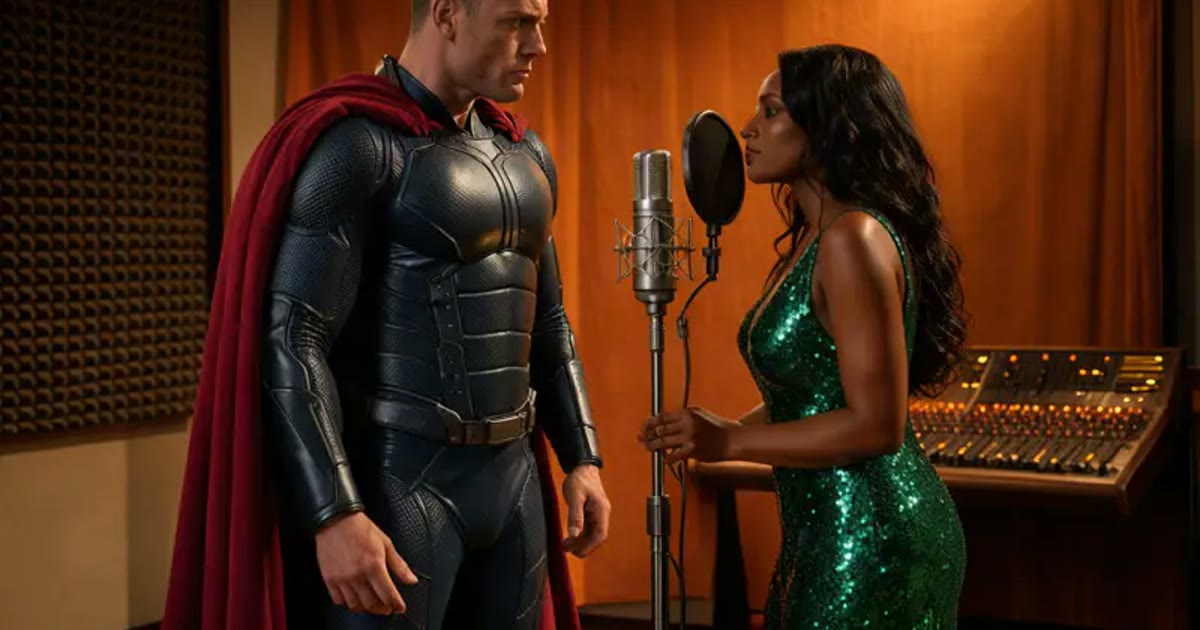
Pixelrope covers both image and video generation. Its site says it runs 18 models from companies including Google, OpenAI, ByteDance, MiniMax, Krea, Black Forest Labs, Ideogram, Kling AI and Alibaba, all under one credit balance. It also lists ready-made workflows such as Recast and AI Influencer.
It is one of the clearer sites on cost: 1 credit equals $0.01 of the model's list price, images start at 1 credit, videos at 9 credits, failed jobs are refunded, and new accounts get 15 free credits without a card. Its site offers a pricing page, but plan details are not included in the text we have.
Muse Image
Best for people who edit images using reference photos
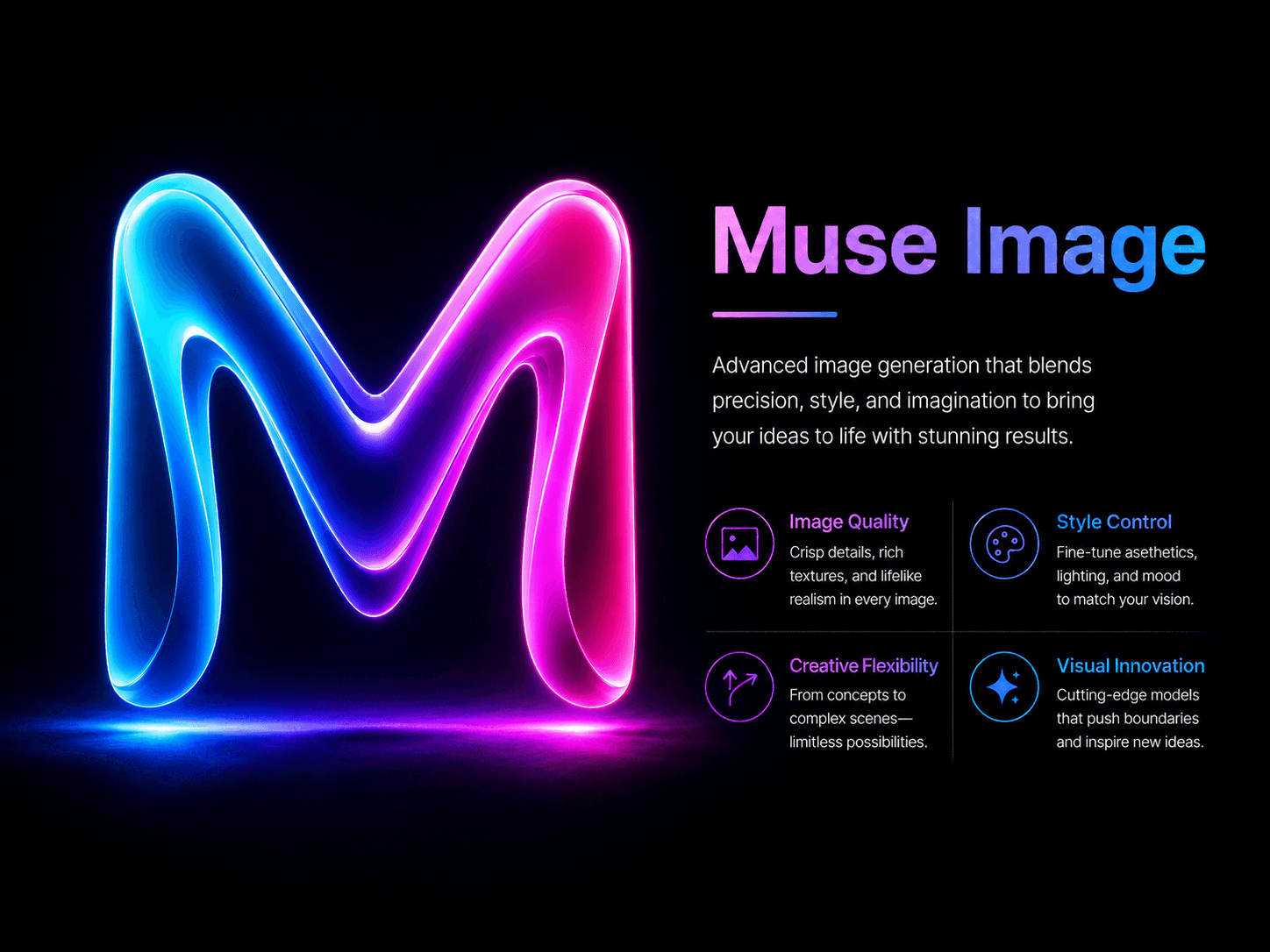
Muse Image is a browser workspace for text-to-image and image-to-image work. Its site lists prompt-based generation, precision editing, multi-reference blending of people, products and style references, and iterative edits where you describe a change and generate another version.
It mentions 1K or 2K generation and 2 free sign-up credits. Paid pricing is not stated. The site also warns readers to review privacy settings before using public account references, which is worth reading if you plan to work with photos of people.
BeatMV
Best for musicians and creators turning songs into videos
BeatMV turns a song or MP3 into a beat-synced music video. Its site describes a storyboard before you generate, a story and script mode, scene-by-scene editing, and shot-by-shot direction. It also lists many related tools, including lyrics videos, dance videos, a music visualizer and an AI video upscaler.
It says it is free to start and links to a pricing page, but no prices or limits appear in the text we have. It suits people starting from audio rather than from a prompt.
AI Trend Video
Best for social creators who post trending videos from one photo
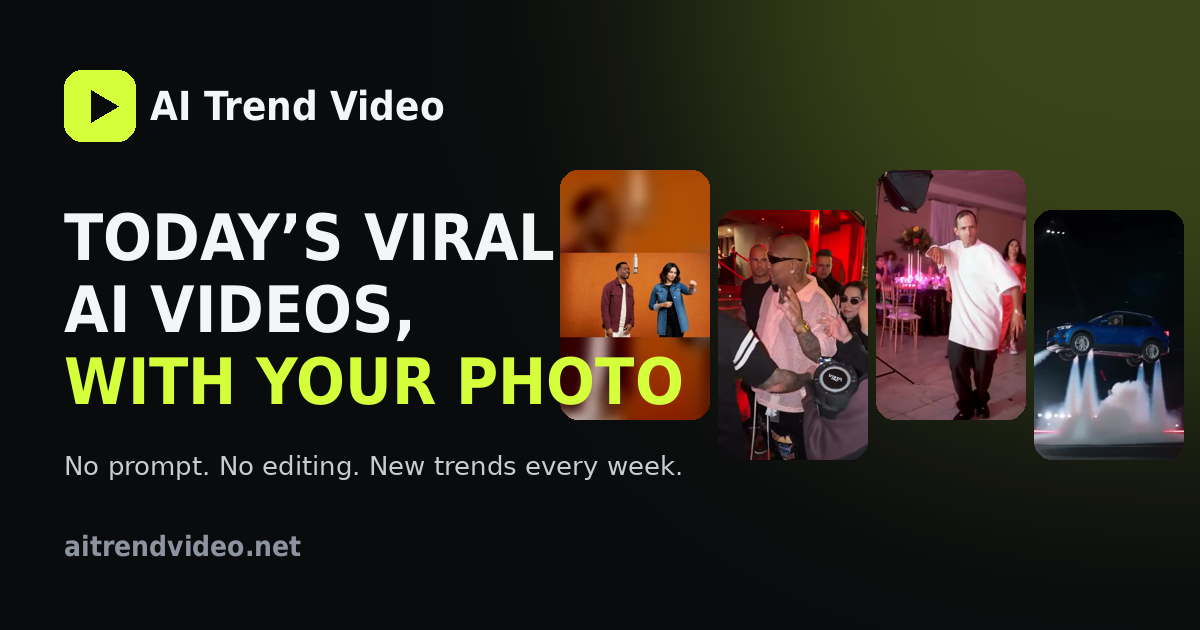
AI Trend Video offers seven trend templates at the time of listing, including dance, rap, memes and cars. You upload one or more photos, depending on the template, and get a ready-to-post video. The site says there are no prompts and that the output is 9:16 for TikTok, Reels and Shorts.
You can also upload a clip, pick 4 to 15 seconds and turn it into your own template with the original sound. The site says that feature is included with monthly plans from $39.99 and the Mega pack. It says the credit cost is shown before you create.
AI Picture Checker
Best for editors and marketers verifying whether an image is AI-made
AI Picture Checker does the opposite job from a generator. You upload an image, and its site says it returns a confidence score, a summary and a guess at the generating model, and that it also detects deepfakes. It lists JPG, PNG and WebP up to 10MB.
The site says no account is required and shows a daily check counter, so expect a limit on free use. Treat its output as one input to a decision, not a final answer.
How to choose
- Name the output first: still images, short video from a photo, or a music video.
- Check whether the free tier lets you test with your own subject.
- Find out the credit cost of a finished result and of a retry.
- Confirm supported file types, sizes and aspect ratios.
- Read the privacy notes before uploading photos of people.
- If you need a choice of models, favor aio.ink or Pixelrope. If you want a single guided workflow, consider Muse Image, BeatMV or AI Trend Video.
- Add a resizer or a detector only if your workflow needs them.
Browse every listing in AI Media Generation, or see the ranked best AI Media Generation list.
How we put this together
Every tool here is listed on approved.tools and was checked by hand before it went live. What we say about each one comes from its own website; we have not run our own tests, so where a site makes a claim, we say it is the site's claim. Rankings follow how often readers click through to each tool, and placement cannot be bought.
Frequently asked questions
Which tool is best for AI images?
aio.ink and Muse Image both generate and edit images. aio.ink suits comparing several models, while Muse Image suits editing with reference photos.
Which tool covers both images and video?
Pixelrope lists both image and video models under one credit balance. Its site says images start at 1 credit and videos at 9 credits.
Can I make a video from just a photo?
AI Trend Video and Bulin47ai both say one photo is enough and no prompt is needed. AI Trend Video uses a set of trend templates, and Bulin47ai is built around one viral freestyle clip.
Is there a free option to try?
Several sites mention free starts: Pixelrope gives 15 free credits, Muse Image gives 2 sign-up credits, and BeatMV says it is free to start. resizesimage.com and Promptclay are free to use.
How can I tell if an image is AI-generated?
AI Picture Checker says it returns a confidence score and may name the generating model. Use the score as a signal alongside other checks.
Do I need to worry about privacy when uploading photos?
Yes, read each tool's privacy notes first. resizesimage.com says it resizes images in your browser without uploading them, and Muse Image warns about using public account references.