The top pick, Excerpt, suits anyone who works in long AI chats and needs to save only the useful parts as clean PDF or Markdown. UnoRouter and bf16.ai suit developers who want one API key for many models, RunOnVPS helps you size a server before renting one, and jsonl.co is for people who open large JSONL files. Color Mapper covers palettes and contrast checks for front-end work.
The rest of the list is more specialized. Xquik is for pulling data from X through an API. evenfall is a private AI chat. Gurutrans offers text and translation utilities. What Is My Screen Size? is for checking display and viewport values. RoboDebut is a startup directory that works through coding agents. The Claude AI Developer Guide is an unofficial learning resource rather than software.
This list was put together from each tool's own website, and we describe only what those sites say. Tools are ranked by how often readers click through to them on approved.tools. Placement cannot be bought.
Top 12 Developer Tools right now
Live ranking · by reader clicks on approved.tools
- #1 Top pickExcerpt
Multi-select ChatGPT, Claude & webpage text
Visit site ↗ - #2 Runner upClaude AI Developer Guide
Claude Opus 5.5, Claude Code, and API Docs — Claude AI Dev
Visit site ↗ - #3 Third placebf16.ai
Uncensored LLM API with 1M context, priced below official API rates
Visit site ↗



- 4RunOnVPSCompare minimum and recommended RAM, CPU and disk requirements for 102 self-hos…
- 5UnoRouterOne API key for every AI model, free models included
- 6XquikExtract tweets, replies, profiles, followers and trends with Xquik's X scraper…
- 7jsonl.coFree Online JSONL Viewer & Editor
- 8RoboDebutA directory of websites and startups
- 9GurutransAI Translation and Text Tools
- 10evenfallPrivate AI chat, no ads or tracking
- 11Color MapperFree color tools for designers, printers, and developers
- 12What Is My Screen Size?Instantly discover your device's screen dimensions, resolution, and display spe…









Ranked by how often readers click through to each tool; ties go to the newer listing. Placement cannot be bought.
Quick picks
- View
- View
- Best for sizing a serverRunOnVPSView
Compare minimum and recommended RAM, CPU and disk requirements for 102 self-hosted apps
- View
- View
- Best for color and contrast workColor MapperView
Free color tools for designers, printers, and developers
These tools solve very different problems
A list of Developer Tools tools is really several lists in one. Here is how the twelve group together:
- AI workflow: Excerpt (clip AI chats and web text), evenfall (private chat), UnoRouter and bf16.ai (model API access).
- Data and infrastructure: jsonl.co (JSONL files), RunOnVPS (server sizing), Xquik (X data API).
- Front-end and design checks: Color Mapper, What Is My Screen Size?
- Learning and promotion: Claude AI Developer Guide, RoboDebut.
- Text utilities: Gurutrans.
Pick by the job in front of you. Most of these tools do not overlap, so you can reasonably use more than one.
Pricing is stated unevenly across these sites
Several tools say plainly that they are free. jsonl.co says no sign-up, no limits and no hidden fees. Color Mapper and What Is My Screen Size? say they are free and run in the browser. Excerpt calls itself a free Chrome extension, though its site also has a pricing link whose terms are not covered here.
The API tools publish more detail. UnoRouter says you can start free with no card, then top up or subscribe for paid models, and that pay-as-you-go credit never expires. bf16.ai offers $0.20 in free credit and says it is priced below official API rates. Xquik lists figures such as $0.0036 per hour for real-time activity and prices from $0.0012 per action and $0.00012 per tweet.
For RunOnVPS, RoboDebut, Gurutrans and the Claude AI Developer Guide, no plan prices are stated. RunOnVPS says its tiers show server size only, with no prices.
Check data handling and independence before you commit
Privacy claims differ by tool. jsonl.co says files are processed locally and never uploaded. Excerpt says its library is stored in the browser with no account and no cloud. What Is My Screen Size? says it collects and stores no data. bf16.ai says it keeps billing logs only, with zero chat retention, and evenfall says deleting a conversation removes it for good.
Also check who stands behind a product. The Claude AI Developer Guide says it is an unofficial community site and points readers to official documentation for account, billing and policy questions. Xquik says it is not affiliated with or endorsed by X Corp. Treat figures on such third-party sites as a starting point and confirm them at the source before you depend on them.
The tools, one by one
1.Excerpt
Best for people who save selected parts of AI chats
Excerpt is a free Chrome extension, also listed on Microsoft Edge Add-ons, that lets you multi-select blocks from AI chats and webpages. You export only those selections as a clean PDF or Markdown file. Its site says this avoids the sidebars and interface clutter of a normal print-to-PDF, and the noise of full-chat exporters.
Clips go into a searchable library stored in your browser, with offline full-text search. The site says no account and no cloud are needed, and that there is "no cloud yet." It names ChatGPT, Claude and Gemini conversations as supported sources.
It suits researchers, developers and writers who keep code and answers from long threads. The site mentions a pricing page, but the terms are not described here.
2.Claude AI Developer Guide
Best for developers learning Claude Code and its API

This is an unofficial community guide, not software. Its site says it is not affiliated with Anthropic. It covers quick-start installation, core mechanics such as context management and agent systems, and best practices like CLAUDE.md setup.
The site also features migration notes for a newer model, which it lists with a 1M-token context window and a price of $4 / $20 per MTok. Treat that figure as the site's own statement. It tells readers to use Anthropic's official documentation for account, billing, policy and API support.
It fits developers who prefer tutorials and checklists over reading reference docs. It is free to read as far as its pages show, though no pricing section is listed.
3.bf16.ai
Best for developers running coding agents on uncensored models
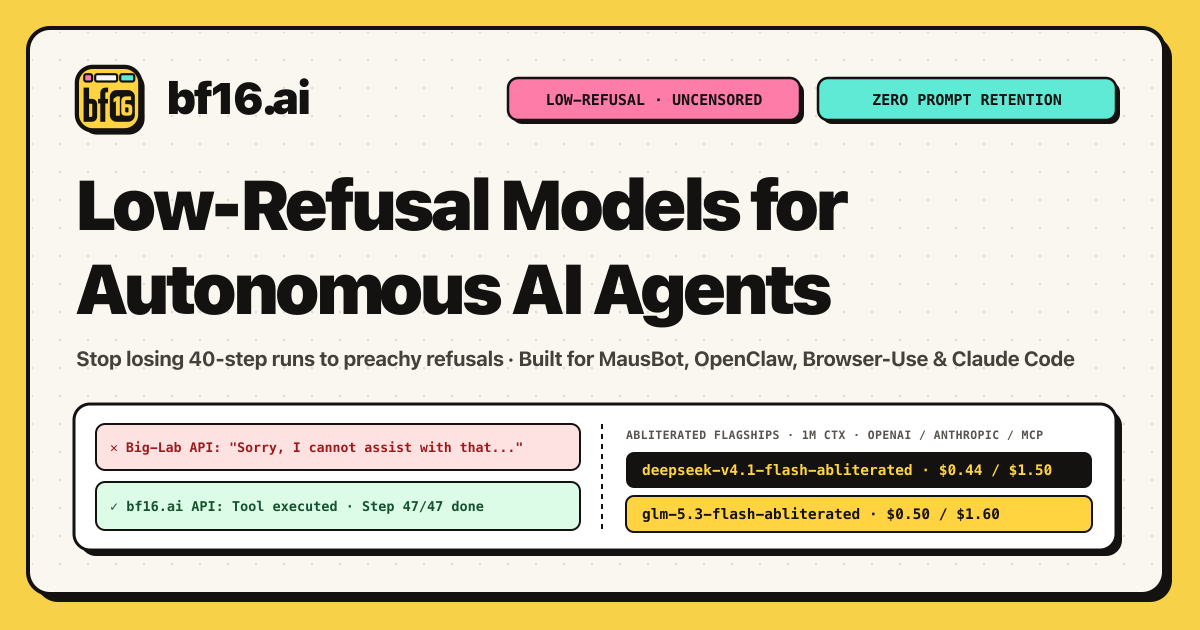
bf16.ai is an LLM API that its site describes as uncensored. It says the models are edited in the weights rather than jailbroken through prompts. It offers a 1M-token context window and native endpoints in two common API formats. The site shows a sample setup for pointing a coding agent at its API for a single terminal session.
It lists $0.20 in free credit, says no card is needed, and says pricing is below official API rates. It also says it keeps billing logs only, with zero chat retention. It states one hard line: illegal use is off-limits.
It suits developers who want coding agents to answer directly without refusals. Review the content policy and the model list on its site before sending sensitive work through it.
4.RunOnVPS
Best for self-hosters choosing a VPS size
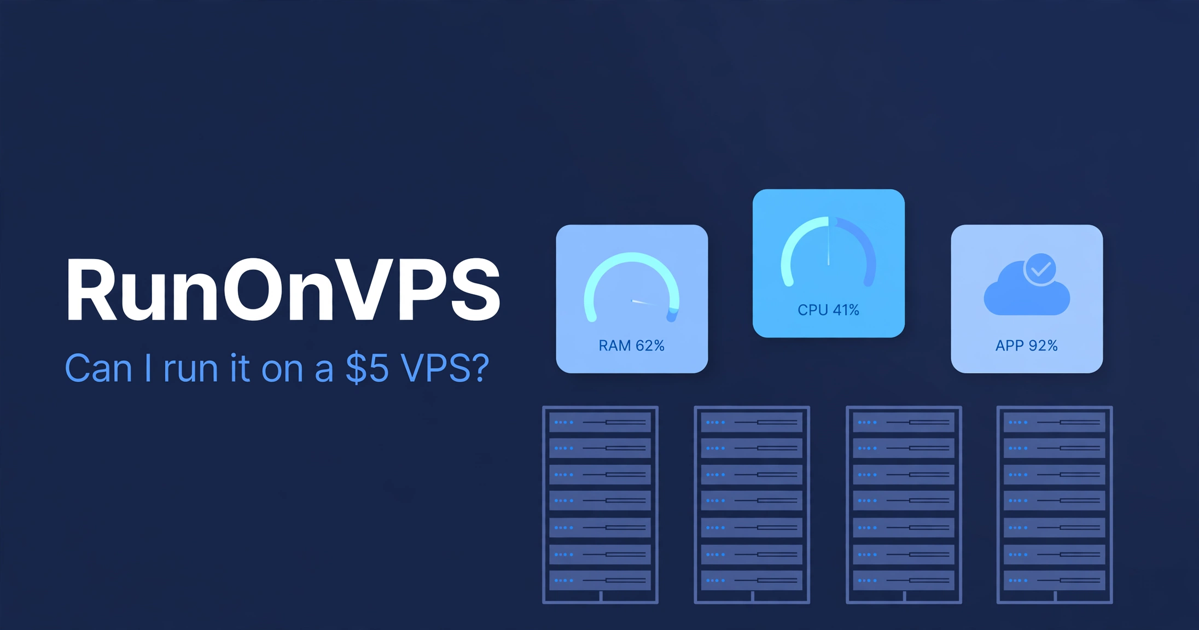
RunOnVPS answers a simple question: can this self-hosted app run on a small server? Its site covers 102 apps and lists minimum and recommended RAM, CPU and disk, then maps the recommended spec to a suggested VPS tier.
Its labeling is candid. Of the 102 apps, 14 have all published minimum fields classed as official, and 88 have at least one minimum value that is an estimate. Badges show the basis for each number rather than a quality score. It also offers a way to size a multi-app VPS.
It suits anyone about to rent a server for self-hosted software. The tiers show server size only, and no prices are given.
5.UnoRouter
Best for developers wanting one key across many models
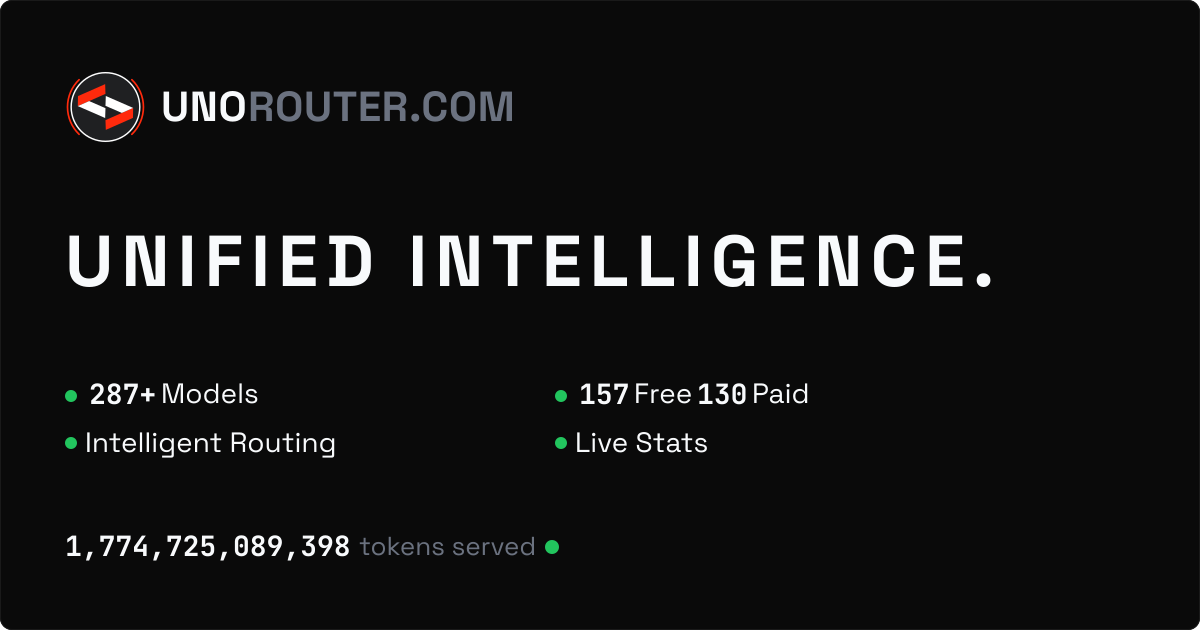
UnoRouter offers one OpenAI-compatible API key that its site says reaches 287+ models from 55+ upstream providers. It lists 157 free models and 130 paid, pay-per-use ones. A free proxy for character and fiction clients is also part of the pitch.
The site groups its guides by client type: coding agents, character and fiction clients, chat clients and CLI tools. Setup is three steps: sign up (GitHub, Discord or email), top up or subscribe only if you want paid models, then take your API key. No card is needed to start, and pay-as-you-go credit never expires.
It suits developers who want to try many models without separate accounts. Per-model prices are not listed in the material reviewed here, so check the model list before you top up.
6.Xquik
Best for teams that need X data and automation

Xquik is an API and MCP server that extracts tweets, replies, profiles, followers and trends from X. It can also monitor accounts, export data, and let agents post, reply, like, repost and send DMs. The site says it is not affiliated with or endorsed by X Corp.
Its site lists usage prices: $0.0036 per hour for real-time activity, from $0.0012 per action for agents, and from $0.00012 per tweet for research and posting from an AI chat. It also mentions saving up to 20% by subscribing. The claim to be the fastest and cheapest alternative is the site's own.
It fits developers building monitoring or agent workflows around X. Check the platform's rules on automation before running anything at scale.
7.jsonl.co
Best for developers inspecting large JSONL datasets
jsonl.co is a free browser tool for opening, searching and editing JSONL (JSON Lines or NDJSON) files up to 1GB. It streams the file, highlights syntax and validates in real time. It accepts.jsonl,.ndjson,.json and.txt files.
Its site says everything runs locally, with no uploads and no sign-up. It also offers converters between JSONL and JSON or CSV, a formatter, and a VS Code extension.
It suits people reviewing training datasets or application logs who do not want to send files to a server. No paid tier is mentioned.
8.RoboDebut
Best for founders wanting a quick directory backlink
RoboDebut is a directory of websites and startups. Its pitch is a backlink for your site, submitted through a coding agent rather than a form. You give the agent a short prompt, it adds the RoboDebut badge to your homepage, and it submits your listing. The site says there are no forms and no accounts.
The site also documents MCP, API and badge setup, and shows a feed of recent debuts with short descriptions.
It suits founders who already use a coding agent and want a listing with little effort. Pricing is not published on the site, and the badge must go on your homepage.
9.Gurutrans
Best for quick browser-based translation and text tools
Gurutrans collects browser-based translation, style and text conversion pages, including code converters. Its pages include English to Chinese, Japanese to English, Greek, Morse code, and style rewriters such as Shakespearean and Fancy English. It also has Old Norse and Old English pages.
The site says supported inputs and actions vary by tool. For the historical-language pages, it advises checking important wording against reliable sources.
It suits casual translation and creative-writing tasks more than formal developer work. Its site has a pricing page, but terms are not described here.
10.evenfall
Best for people wanting private AI chat without tracking
evenfall is a private AI chat with streaming responses, markdown and code blocks with syntax highlighting, and per-conversation instructions. Its site says there are no ads and no tracking, and that deleting a conversation removes it completely. It also lists voice mode, sync across devices, encryption at rest, a keyboard-first interface and a Chrome extension.
The site also promotes roleplay and storytelling with assistants and characters. It offers a free tier with no card required, and accepts crypto payments, including one-time crypto passes.
It suits users who care about chat privacy and a clean interface. Paid plan prices are not stated in the material reviewed.
11.Color Mapper
Best for designers and front-end developers working with color
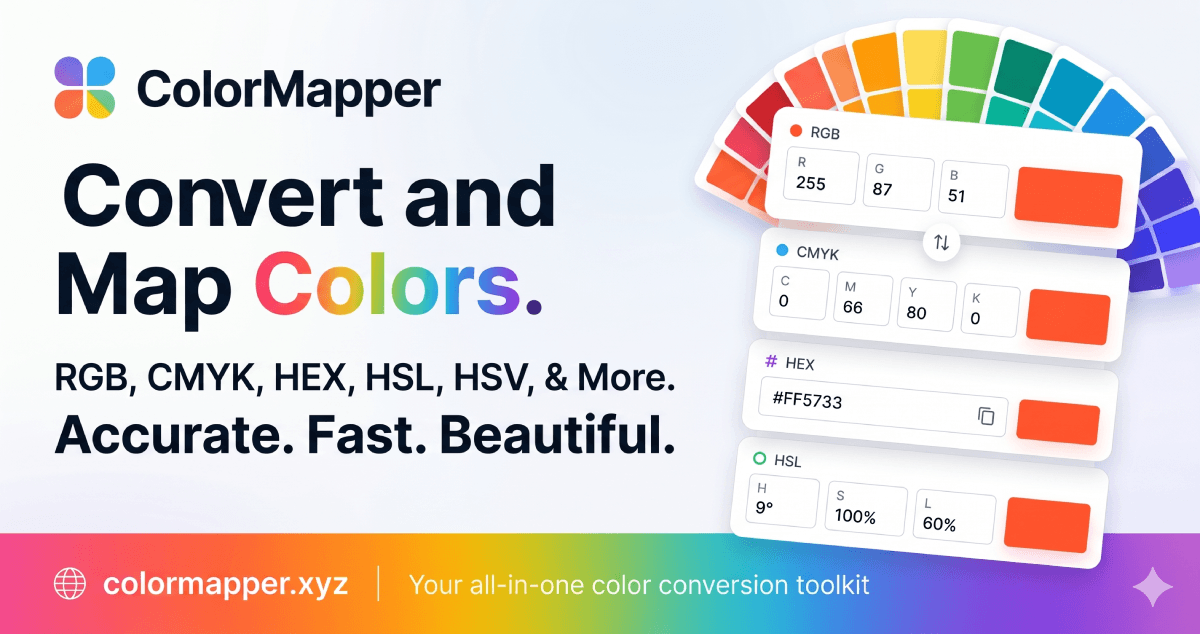
Color Mapper is a free toolkit of 10 color tools, 18 format converters and 5 color model guides, all running in the browser with no signup. The tools include palette and gradient generators, a WCAG contrast checker with auto-fix suggestions, and a tint and shade scale that outputs a 50–950 ramp.
It also extracts palettes from images, simulates color blindness for three common vision deficiencies, and converts between RGB, CMYK, HEX, HSL and HSV. Swatches carry HEX, RGB and CMYK values, and out-of-gamut colors are flagged for print. Palettes export as CSS or JSON.
It suits anyone checking accessibility contrast or preparing palettes for both screen and print.
12.What Is My Screen Size?
Best for developers checking displays, viewports and breakpoints
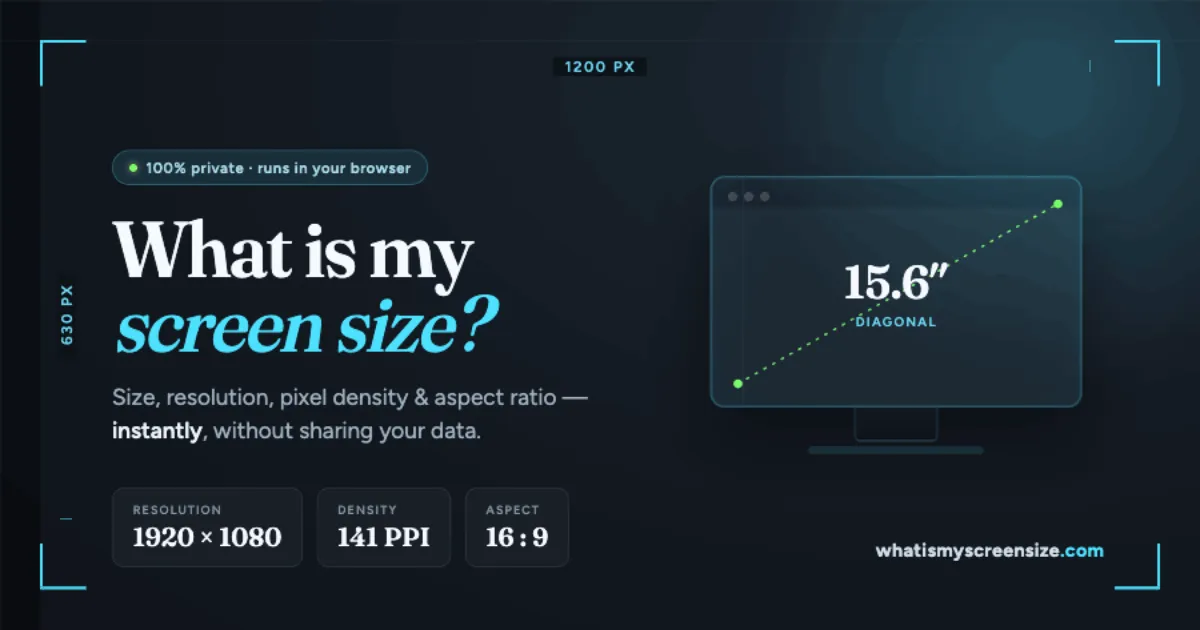
This free site shows your screen size, resolution, aspect ratio, pixel density and device pixel ratio, and separates viewport from display size. It also offers a PPI calculator, a breakpoint checker, a CSS viewport units reference, and calculators for aspect ratio, monitor scaling, viewing distance and dual-monitor desks.
Its site says everything runs in the browser, and that no data is collected or stored. It also has a database of device screen sizes with comparison and ranking pages. It carries an affiliate disclosure.
It suits developers testing layouts and anyone buying or setting up a monitor.
How to choose
If you work with AI chats daily: Excerpt saves selected parts as PDF or Markdown, and evenfall is a private chat for people who care about tracking. If you build with models: UnoRouter gives one key across many models with free ones included, while bf16.ai is for agents that need uncensored models with a 1M context.
If you run infrastructure or data: RunOnVPS helps size a server for self-hosted apps, jsonl.co opens large JSONL files locally, and Xquik covers X data and automation. If you build interfaces: Color Mapper handles palettes and WCAG contrast, and What Is My Screen Size? covers viewport and display checks.
If you are learning or promoting: the Claude AI Developer Guide is a community tutorial resource, and RoboDebut offers a directory listing through a coding agent. Before paying for anything, confirm current prices and data handling on the maker's own site.
Browse every listing in Developer Tools, or see the ranked best Developer Tools list.
How we put this together
Every tool here is listed on approved.tools and was checked by hand before it went live. What we say about each one comes from its own website; we have not run our own tests, so where a site makes a claim, we say it is the site's claim. Rankings follow how often readers click through to each tool, and placement cannot be bought.
Frequently asked questions
Which tools here are completely free?
jsonl.co, Color Mapper and What Is My Screen Size? describe themselves as free, and Excerpt is described as a free Chrome extension. UnoRouter and evenfall have free tiers that need no card.
Which tools keep data on my device?
jsonl.co says files are processed locally and never uploaded, and Excerpt says its library is stored in your browser. Color Mapper and What Is My Screen Size? also say they run in the browser.
Can one API key reach several AI models?
UnoRouter says one key reaches 287+ models from 55+ upstream providers, including 157 free ones. bf16.ai also offers a drop-in API, but it is built around its own uncensored models.
How do I know if my app fits a small server?
RunOnVPS lists minimum and recommended RAM, CPU and disk for 102 self-hosted apps. It labels each figure as official or estimated, so you can see how firm the number is.
Are any of these tools official products of the companies they mention?
No for at least two. The Claude AI Developer Guide says it is unofficial and not affiliated with Anthropic, and Xquik says it is not affiliated with or endorsed by X Corp.
Which tools list usage-based prices?
Xquik lists per-hour, per-action and per-tweet prices, and bf16.ai lists $0.20 in free credit with prices below official API rates. UnoRouter describes pay-per-use for paid models but does not list per-model prices in the material reviewed.