If you want one place to make both images and video, Pixelrope is the broadest fit here: it runs many models under a single credit balance. Seedance 2.5 suits people who want longer video built from many reference files, and aio.ink suits image makers who want to send one prompt to several models. BeatMV suits musicians who want a beat-synced video from a song. AI Trend Video and Bulin47ai are for quick social clips from a single photo, AI Image to Video animates a still, and Muse Image handles prompt-based image creation and editing.
The list also includes four tools that support media work rather than generate it: ToolsBot, a directory of AI tools; resizesimage.com, a browser-based image resizer; AI Picture Checker, which flags AI-generated images; and Promptclay, a library of copyable image prompts.
Every description comes from the tool's own site, and we have not tested any of these products. The order is the order in which readers click through to each tool on approved.tools, so it reflects interest rather than quality. Placement cannot be bought.
Top 12 AI Media Generation tools right now
Live ranking · by reader clicks on approved.tools
- #1 Top pickToolsBot
Explore a curated directory of AI tools, GPT Store apps and MCP resources
Visit site ↗ - #2 Runner upresizesimage.com
Resize any image online for free with the Resize Image Online Tool
Visit site ↗ - #3 Third placeSeedance 2.5
Create AI videos up to 30 seconds long with Seedance 2.5
Visit site ↗



- 4aio.inkGenerate, edit, expand and upscale images
- 5PixelropeAI image and video generator with every top model
- 6Bulin47aiBulin 47 AI Video Generator: Join the Viral Freestyle With One Photo
- 7AI Picture CheckerUpload any image and instantly detect if it was generated by AI
- 8PromptclayPrompts are better shared
- 9Muse ImageCreate and edit images with Muse Image
- 10BeatMVAn AI music video generator that turns any song or MP3 into a beat-synced video
- 11AI Trend VideoViral AI Video Trends or Your Own Clip as a Template
- 12AI Image to VideoTurn a still photo into an AI video online









Ranked by how often readers click through to each tool; ties go to the newer listing. Placement cannot be bought.
Quick picks
- View
- View
- View
- Best for music videosBeatMVView
An AI music video generator that turns any song or MP3 into a beat-synced video
- View
- View
These tools do very different jobs
Only some of the twelve generate media from scratch. Pixelrope, Seedance 2.5, aio.ink, Muse Image, AI Image to Video, BeatMV, AI Trend Video and Bulin47ai all produce images or video. ToolsBot, resizesimage.com, AI Picture Checker and Promptclay are support tools: a directory, a resizer, a detector and a prompt library.
Among the generators, the split is by output and by control:
- Images: aio.ink, Muse Image and Pixelrope.
- Video from prompts and references: Seedance 2.5 and Pixelrope.
- Video from one photo: AI Image to Video, AI Trend Video and Bulin47ai.
- Video from a song: BeatMV.
Decide which of these jobs you have before comparing prices or models.
Pricing is stated in different ways, and often not at all
Most sites here use credits, and the amount of detail varies a lot.
- Pixelrope: 1 credit equals $0.01 of the model's list price. Images start at 1 credit and videos at 9. Failed jobs are refunded, and new accounts get 15 free credits with no card.
- Muse Image: 2 free credits at sign-up. Other pricing is not stated on the page.
- Bulin47ai: its first video is listed at $4.99.
- AI Trend Video: credit cost is shown before you create. Its site mentions monthly plans from $39.99 and a Mega pack for custom templates.
- AI Image to Video: the generator shows 40 credits next to a quality setting. A pricing page exists, but its figures are not in the listing.
- Seedance 2.5: its site says limited-time pricing applies to Seedance 2.5, standard rates apply to other models, and credit use may vary with generation settings.
- aio.ink: the site promises transparent credits but gives no figures here.
- BeatMV: free to start. Paid pricing is not published in the listing.
resizesimage.com, Promptclay and AI Picture Checker describe themselves as usable without an account, so check each site for limits.
Check these things before you pay
Credits are easy to burn, so start with the free allowance and read the refund terms. Pixelrope states that failed jobs are refunded. For the other credit-based tools, the listings do not say.
Check input limits against your files. Seedance 2.5 lists limits per reference type, such as images up to 10MB each and videos in MP4 or MOV up to 50MB each. aio.ink, AI Image to Video and AI Picture Checker list a 10MB image limit.
Check privacy. Muse Image's site advises reviewing your source platform's privacy settings before using public account references. For anything involving other people's faces, such as Bulin47ai or AI Trend Video, use photos you have the right to use.
The tools, one by one
1.ToolsBot
Best for readers shortlisting AI tools before choosing one

ToolsBot is a directory rather than a generator. Its site describes a curated list of AI tools, GPT Store apps and MCP resources, with categories, use cases and vendor information to compare. It states 9211 AIs and 248 categories, and says the list is updated daily.
It can help you find candidates in a category, but it will not make an image or a video for you. Its page also carries a sponsored slot and an advertising invitation, so treat featured items as promotions. Pricing for the directory itself is not stated.
2.resizesimage.com
Best for anyone who needs quick, free image resizing
This is a plain resizer, not an AI generator. You upload a JPG, PNG, WebP or GIF, set width and height or a percentage, and download the result. You can lock the aspect ratio, and you can save as JPG, PNG or WebP with quality control for JPG and WebP.
Its site says it is free, with no sign-up and no watermark, and that images are resized in your browser so nothing is uploaded to a server. It is a useful finishing step after generating images elsewhere.
3.Seedance 2.5
Best for video makers who want multi-reference control
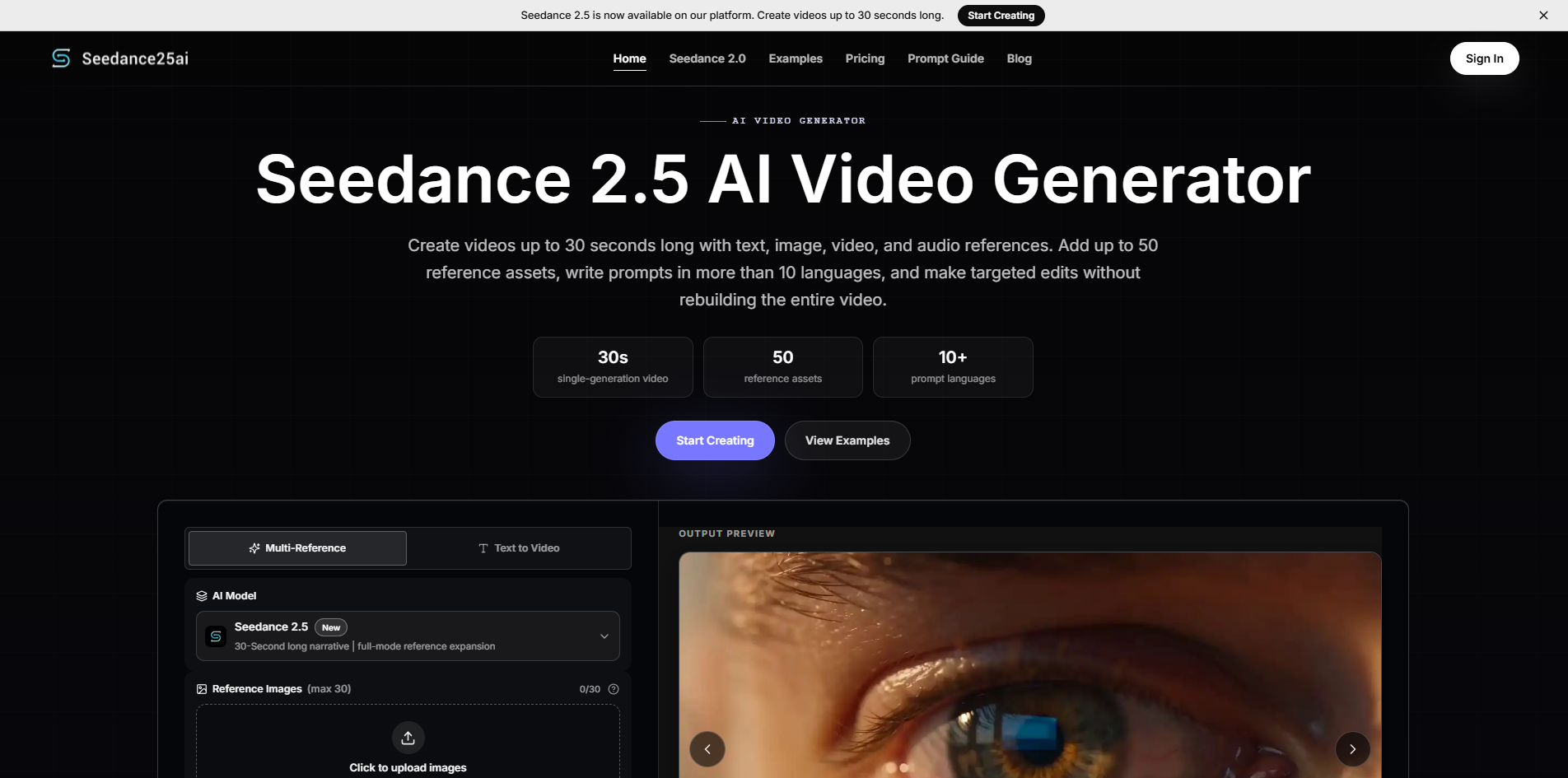
Seedance 2.5 generates video up to 30 seconds long from text plus reference files. Its site says you can add up to 50 reference assets: 30 images, 10 videos and 10 audio files, with video and audio each capped at 30 seconds in total. You type @ to point the prompt at a specific uploaded file.
The site also lists prompts in more than 10 languages and targeted edits without rebuilding the whole video. Pricing is described as limited-time for this model, with no figures in the listing, so check credit costs before committing.
4.aio.ink
Best for image makers who want to compare models
aio.ink is an image studio that covers generating, editing, expanding and upscaling. Its main idea is sending one prompt to 2 to 4 models and comparing the results. The models named on its site include Nano Banana 2, FLUX.2 Pro, Seedream 5.0 Lite and GPT Image 2.6.
It also keeps a private image library where you can revisit prompts, download results and continue editing. The site mentions 1K to 4K output on some models and PNG, JPEG or WebP uploads up to 10 MB. It promises transparent credits but the listing gives no prices.
5.Pixelrope
Best for people who want images and video in one place
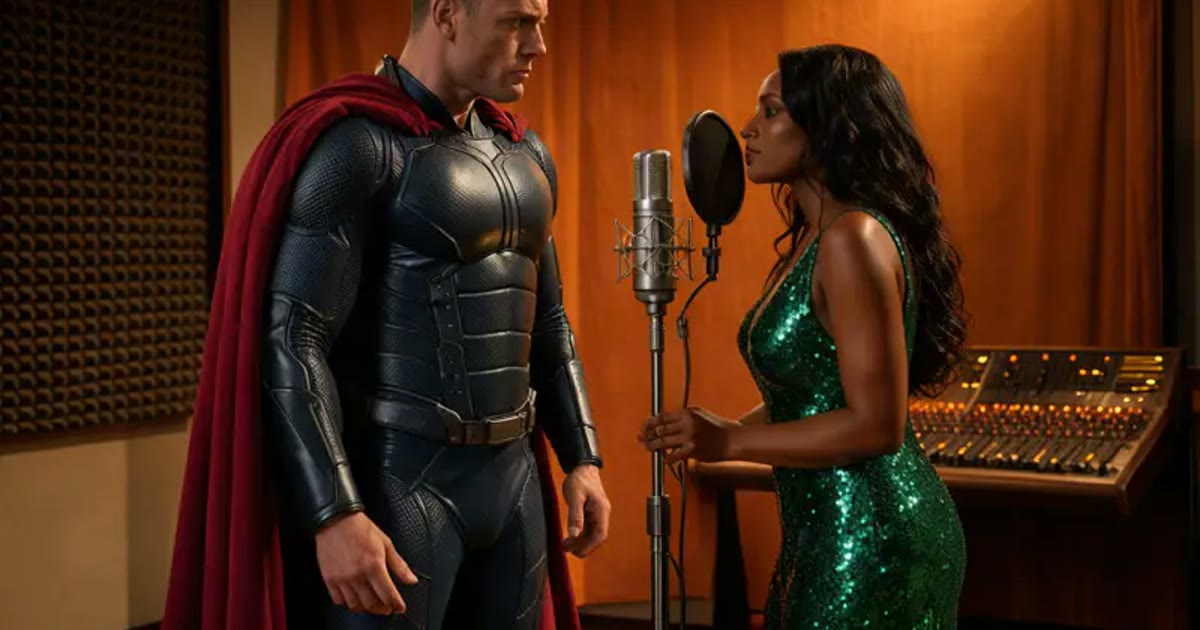
Pixelrope says it runs 18 models for images and video under one credit balance. Its site names Seedance 2.5, Kling 4, Nano Banana Pro, GPT Image 2.5, Seedream 5.5 and more, including a model that produces SVG files from a prompt. Workflows listed include Create image, Create video, Recast and AI Influencer.
Pricing is unusually clear: 1 credit equals $0.01 of the model's list price, images start at 1 credit, videos at 9, failed jobs are refunded, and new accounts get 15 free credits without a card. That makes it an easy place to test several models cheaply.
6.Bulin47ai
Best for casual creators joining one viral clip trend
Bulin47ai does one thing: you upload a single photo of yourself, a friend or a pet, and it puts that subject into a viral street freestyle video. The site says no prompt is needed.
Its first video is listed at $4.99, and you sign in when you generate. It is a single-trend tool tied to one clip, so it will not cover general video needs. Its listing does not give plan details beyond that first-video price.
7.AI Picture Checker
Best for editors and researchers verifying suspect images
AI Picture Checker takes the opposite approach to the generators: you upload a JPG, PNG or WebP up to 10MB and it estimates whether the image was AI-generated. Its site says the result includes a confidence score, a guess at the source model and a summary of the analysis, and that it also detects deepfakes.
No account is required, and the page shows a count of checks remaining today, which suggests a daily free limit. The listing gives no accuracy figures, so treat a result as one signal, not proof.
8.Promptclay
Best for image makers who learn from shared prompts

Promptclay is a library of prompts. Each entry shows the exact prompt, the real result and the model used, and the site names Gemini, ChatGPT and Nano Banana among the targets. Collections cover things like photo editing, photoshoot and family photo prompts.
It says copying prompts is free with no sign-up, and that signing in gives a personalized feed plus saves and follows. It does not generate images itself, and several account features on its menu are marked as coming soon.
9.Muse Image
Best for individuals editing and composing images from references
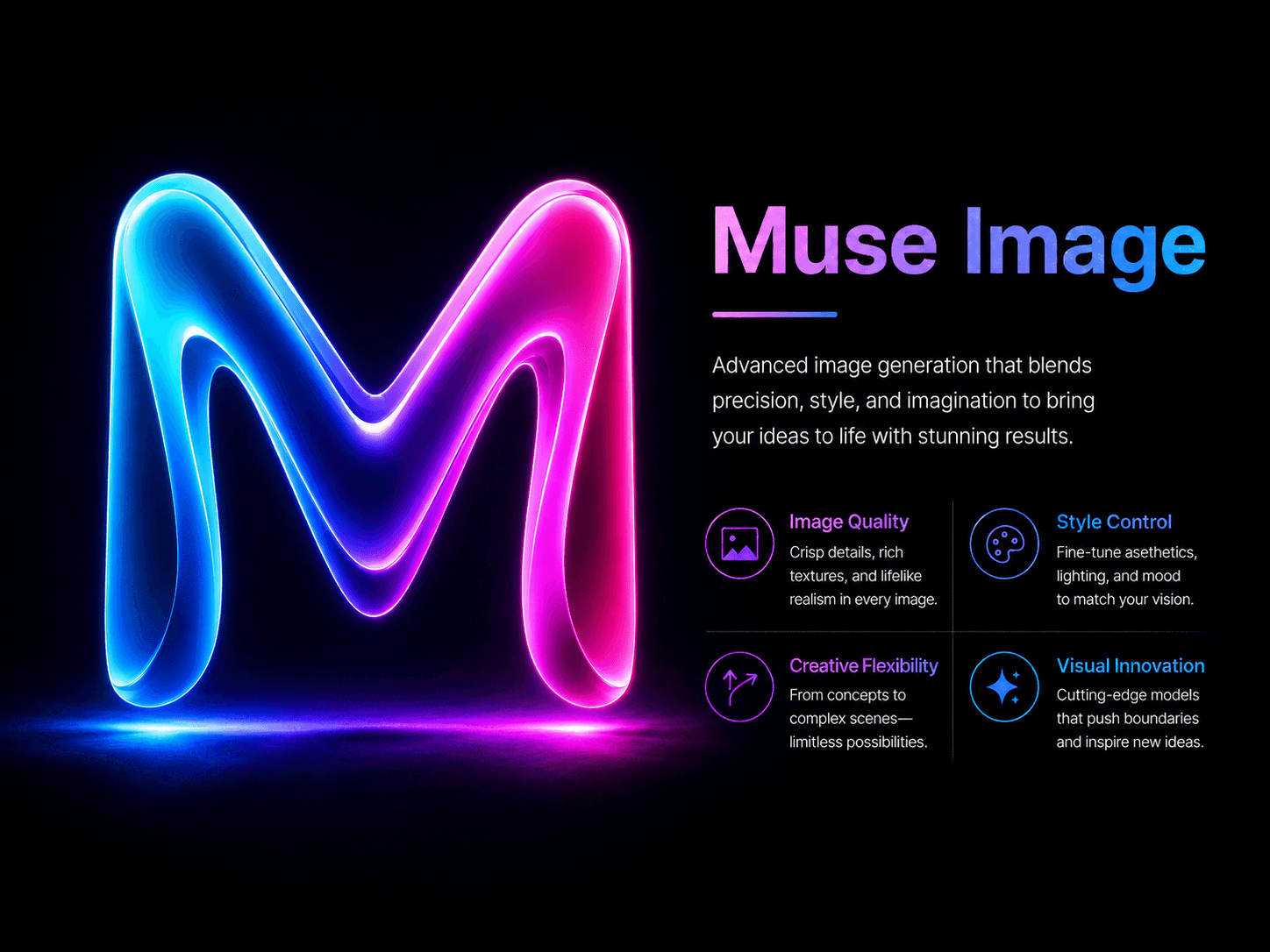
Muse Image generates and edits images from text, photos, sketches and references in the browser. Its site lists prompt-based generation, precision edits that change one detail, multi-reference composition and iterative editing, with output at 1K or 2K.
New sign-ups get 2 free credits. The site also warns that reference images need privacy awareness, advising you to review your source platform's privacy settings before using public account references. Paid pricing is not stated on the page.
10.BeatMV
Best for musicians and creators turning songs into videos
BeatMV turns a song or MP3 into a beat-synced music video. Per its site, you upload a track or paste a link, pick a visual style, and the tool builds a storyboard and a cut that you can edit scene by scene. It also mentions a story and script mode and shot-by-shot direction.
The site lists many related tools, including lyrics videos, dance videos, a music visualizer and an AI music generator. It says it is free to start, and a pricing page exists, but figures are not in the listing.
11.AI Trend Video
Best for social creators making quick trend clips from photos

AI Trend Video offers template-based clips. Its site lists seven trend templates, such as a rap duo, a desk concert and a flying car stunt, each needing one to five photos and no prompt. Outputs are 9:16 for TikTok, Reels and Shorts.
You can also upload your own clip, pick 4 to 15 seconds and turn it into a custom template with the original sound. That feature is tied to creator plans, which the site says start from $39.99 a month. The credit cost is shown before you create.
12.AI Image to Video
Best for marketers animating product shots and portraits

AI Image to Video animates a still photo. You upload a JPG, PNG or WebP up to 10MB, write a prompt of up to 2000 characters, and choose a model. The site names Seedance, Kling, Veo and Wan. Duration options run from 5 to 15 seconds.
Its site says videos download without a watermark, and that resolution and aspect-ratio options depend on the selected model. It positions the output for social clips, ads and animations. The generator displays 40 credits next to a quality setting, but full pricing is not in the listing.
How to choose
Want one tool for images and video: start with Pixelrope. Its stated 15 free credits and 1 credit to $0.01 pricing make testing cheap. aio.ink is the alternative if your work is images only and you want side-by-side model comparisons.
Producing longer or reference-driven video: Seedance 2.5 is built around 30-second videos and up to 50 reference files. AI Image to Video fits when you start from a single still and want to pick among several video models.
Making social content fast: AI Trend Video and Bulin47ai work from a single photo with no prompt. BeatMV fits if the song is the starting point.
Working with images you already have: Muse Image covers generation and editing from references, resizesimage.com handles free resizing in the browser, and Promptclay is a place to borrow prompts. If you need to verify an image's origin, try AI Picture Checker. If you are still building a shortlist, ToolsBot is a directory to browse.
Browse every listing in AI Media Generation, or see the ranked best AI Media Generation list.
How we put this together
Every tool here is listed on approved.tools and was checked by hand before it went live. What we say about each one comes from its own website; we have not run our own tests, so where a site makes a claim, we say it is the site's claim. Rankings follow how often readers click through to each tool, and placement cannot be bought.
Frequently asked questions
Which tools here are free to try?
Pixelrope gives 15 free credits with no card, Muse Image gives 2 free credits at sign-up, and BeatMV says it is free to start. resizesimage.com and Promptclay describe themselves as free with no sign-up, and AI Picture Checker says no account is needed.
Which tools make video?
Seedance 2.5, Pixelrope, AI Image to Video, AI Trend Video, Bulin47ai and BeatMV all produce video. They differ in input: prompts and references, a single photo, a template, or a song.
What is the longest video mentioned?
Seedance 2.5 says it can create videos up to 30 seconds long. AI Image to Video lists durations from 5 to 15 seconds, and AI Trend Video lists templates of 8 to 15 seconds.
Can I compare several AI models in one place?
Yes. aio.ink sends one prompt to 2 to 4 models, Pixelrope says it runs 18 models under one credit balance, and AI Image to Video lets you pick among several video models.
Can any of these tools tell me whether an image is AI-generated?
AI Picture Checker is built for that. Its site says it returns a confidence score, a guess at the source model and deepfake detection, but the listing gives no accuracy figures.
Do these tools publish clear prices?
Only some do. Pixelrope states its credit value and starting costs, Bulin47ai lists $4.99 for a first video, and AI Trend Video mentions plans from $39.99. For several others, such as aio.ink, Muse Image and BeatMV, prices are not stated in the listing.