Retouchia presents itself as a practical photo editor for people with existing pictures, not a tool for making generated art from scratch. The site's examples lean toward everyday jobs: cleaning up a store listing photo, restoring a family print, trying a haircut or outfit, or making a printable holiday card.
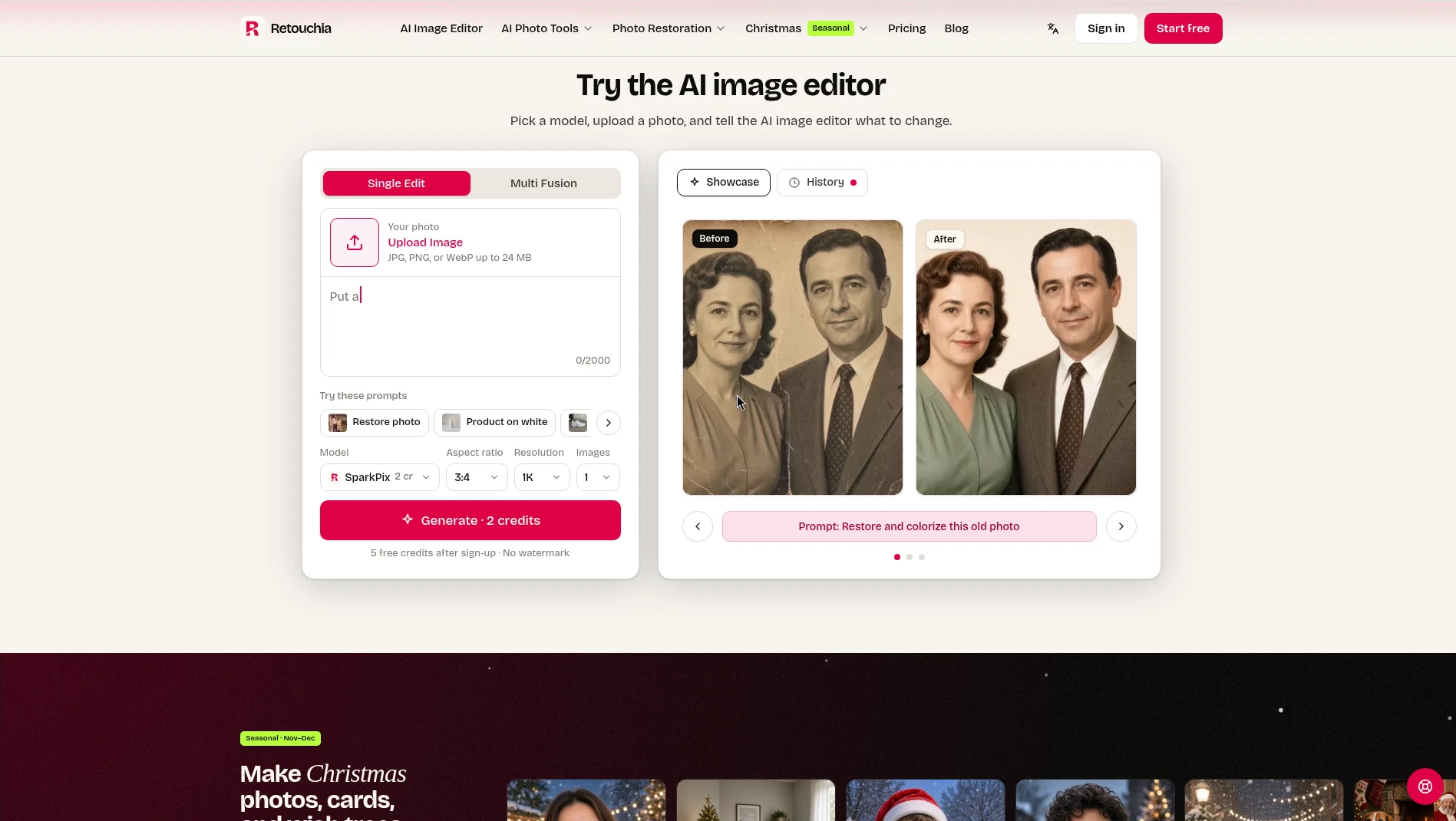
The workflow is simple as described on Retouchia's AI image editor site: upload a JPG, PNG or WebP file, type the change, and download the result. The site says most edits take about 10 seconds and that faces and poses stay the same when you change only hair, clothes or background. Those are the maker's claims, so test them on your own photos.
The site is open about its limits. It handles images only, runs 1 to 5 photos per job rather than large batches, and needs a free account (18+) before you can upload. It also publishes retention rules: uploads are deleted after 1 hour and results after 7 days. Check whether the credit costs per edit fit your volume, since the site gives few per-edit figures beyond the free tier.
Verdict: Small sellers, families and casual editors with occasional photo jobs should take a closer look, while teams needing bulk or video editing should look elsewhere.
Retouchia is an AI image editor for shop owners, families and anyone who wants to change photos they already have. It runs in your browser, so there is nothing to install. You upload a photo, describe the change in plain words, and download the result.
The site lists tools for removing objects and backgrounds, upscaling to 4K, recoloring, restoring old or damaged prints, and colorizing black-and-white photos. You pick a model, set options such as aspect ratio and resolution, and run the edit. The site names models including Nano Banana 2, GPT Image 2.5 and SparkPix.
The site says it is built for pictures of real people, so faces stay recognizable. You can combine up to 5 photos into one image. Pricing uses one-time credit packs rather than a subscription.