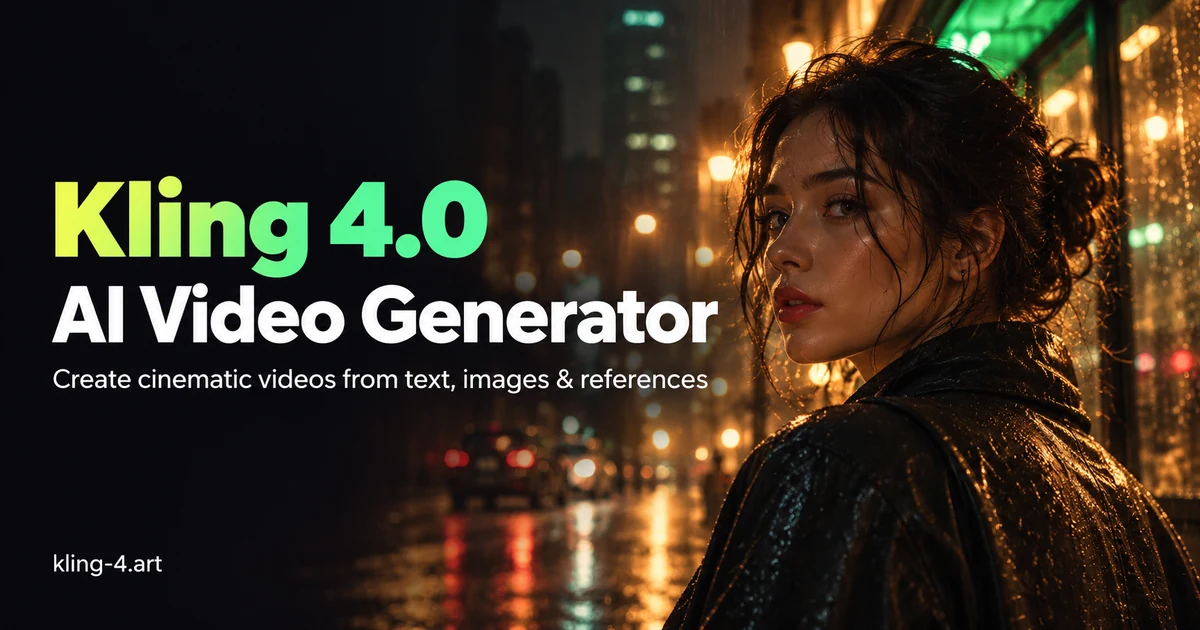
kling-4.art

Turn ideas and images into cinematic clips with Kling 4.0 AI

ShareXLinkedIn
Screenshot of kling-4.art's homepage

Our take

Is kling-4.art worth using?

Approved Tools editorial team · from kling-4.art's public website · Nov 26, 2026

Kling-4.ai-style generators are easy to confuse, so the first thing to note is scope: kling-4.art's Kling 4.0 video generator presents itself as a studio around one model, with three input modes and a credit-based cost shown before you generate. The site is aimed at creators making social clips, product videos and short cinematic scenes.

What stands out is the amount of control the site describes. Keyframes let you plan the opening, a middle moment and the ending. Omni Reference lets you feed in images, videos and voice samples to keep characters and products consistent. The site also says editing can change one detail of a shot while preserving the rest. These are the maker's claims, and results will depend on your prompts and references.

Before choosing it, read the specifications closely. Keyframes and Omni Reference cannot be combined in one task, voice references require 720p output, and the studio offers 720p or 1080p rather than the 4K the model supports. The site also says that revised generations may use additional credits, so budget for iteration.

Verdict: Creators and marketers who want to plan short videos around keyframes or reference assets, and who are comfortable with credit-based pricing, should take a closer look.

kling-4.art is a web-based video generator for creators who want to turn text prompts, images or reference clips into short videos. It runs the Kling 4.0 model from Kling AI and, according to the site, needs no installation.

You pick a generation mode (Text to Video, Keyframes or Omni Reference), add a prompt and any media, set a duration from 3 to 30 seconds, and check the estimated credit cost. When the video is ready, you preview it and download it to your device.

The site highlights longer single generations (up to 30 seconds), up to 10 keyframes on a timeline, up to 15 combined reference assets, targeted editing of existing video, and stereo audio with lip sync. It also notes that 4K and 10-bit HDR are not currently available in this studio.


Features

What kling-4.art does

1

Up to 30-second videos

A single generation can run from 3 to 30 seconds. The site says this doubles the 15-second maximum of Kling 3.0, which leaves room for a setting, an interaction and a closing moment.

2

Multi-keyframe control

Keyframes mode takes a required first frame, up to 8 middle keyframes and an optional last frame. The model generates movement between those checkpoints.

3

Omni Reference mode

You can combine reference images, videos and audio in one task, up to 15 assets overall. This helps keep a product's look or a character's voice consistent across a scene.

4

Targeted video editing

You can ask for changes such as an expression, background or camera move while the model tries to preserve the rest of the shot. An editing task can include up to five clips within a 30-second combined limit.

5

Stereo audio and lip sync

The site describes two-channel stereo sound, improved lip sync and expanded language and accent support. Voice references can be uploaded as MP3 or WAV files in Omni Reference mode.

6

Flexible output settings

Choose 720p or 1080p and an aspect ratio of 16:9, 9:16, 1:1 or 21:9. Estimated credits appear on the Generate Video button.

How to use

Get started in 5 steps

  1. Choose a generation mode: Text to Video, Keyframes or Omni Reference.
  2. Write a prompt describing the action and add your first frame or reference media.
  3. Set a duration from 3 to 30 seconds, a resolution and an aspect ratio.
  4. Check the estimated credit cost, then submit the video.
  5. Preview the result and download it to your device.

Use cases

Who it's for

  • Product showcase clips

    An e-commerce marketer can pair a clean product image with a setting reference to place the item in a lifestyle scene. The site says this keeps its shape and finish recognizable.

  • Vertical social updates

    A creator can use one image for their face, another for the room and a voice reference to draft a 9:16 update for phones.

  • Story sequences from keyframes

    A storyteller can set a starting, middle and ending frame to map a scene such as a character reunion, then describe movement and dialogue in the prompt.

  • Ad concept teasers

    A small brand team can plan a short launch concept with a product reveal, movement and a closing shot using product, location and character references.

FAQ

Questions people ask

What is kling-4.art?

It is a web-based studio for generating 3 to 30 second videos with the Kling 4.0 model from text, images or video references. The site says no installation is required.

Is kling-4.art free?

The site invites you to create your first video for free, but it does not describe the terms of that offer. It lists a 5,000-credit pack at $99.90, so check the website for current details.

Who is kling-4.art for?

The site targets creators making social clips, product videos, ad concepts, story scenes and music or performance videos.

What are the best alternatives to kling-4.art?

Directory alternatives include Kling 3.0 for cinematic stories with the earlier Kling Video 3.0, and Seedance 2.5 for AI videos up to 30 seconds. QuestStudio is another option for product images and short promo videos with guided AI workflows.

Can I use the videos commercially?

The site says commercial use is permitted. Its answer is cut off in the available text, so check the website for the full terms.

Written from kling-4.art's public site · updated Nov 26, 2026

Similar tools

Tools like kling-4.art

All kling-4.art alternatives →